
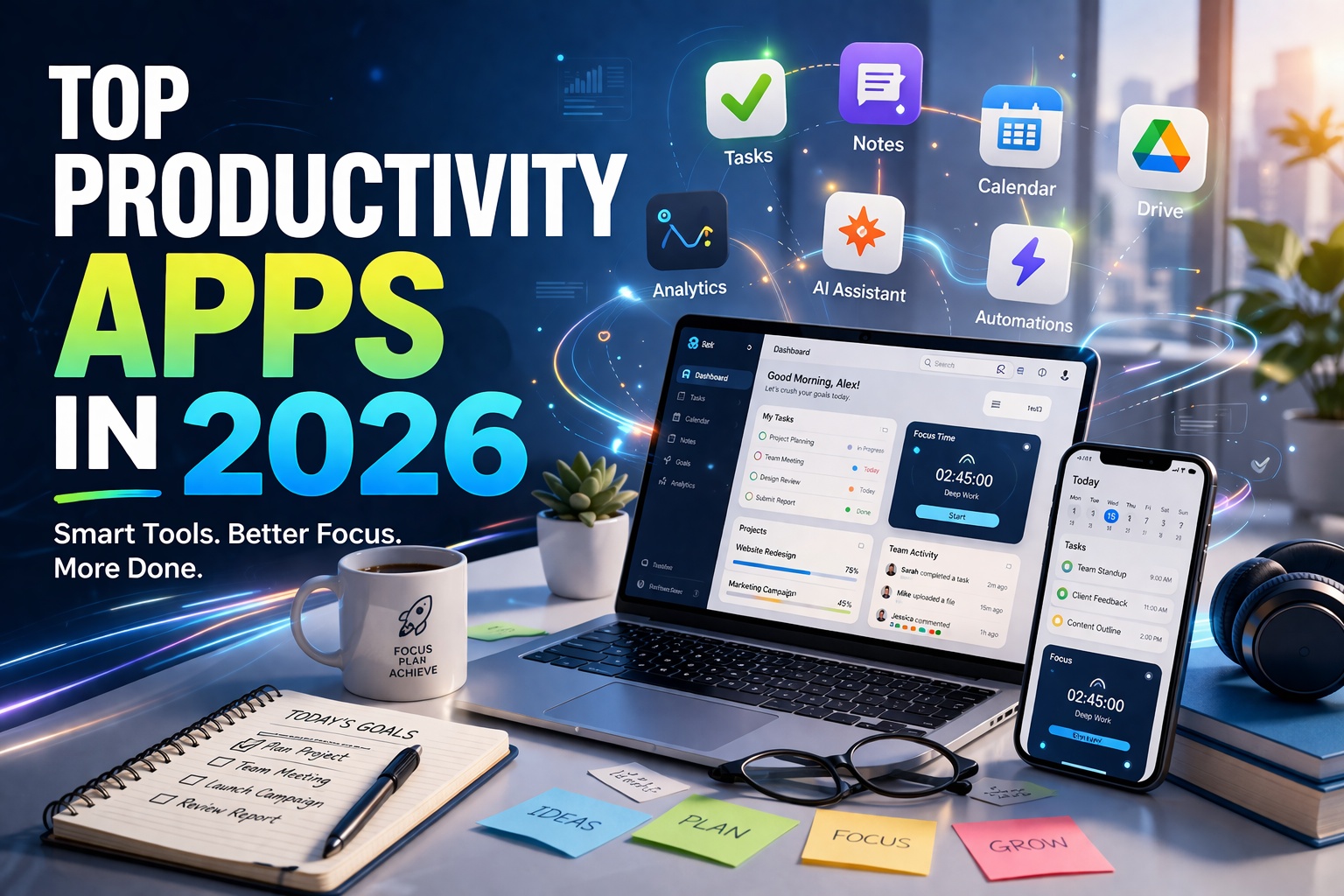
Top Productivity Apps in 2026
In 2026, productivity is no longer about working harder—it’s about working smarter with the right digital tools. From AI-powered assistants to seamless collaboration platforms, modern apps are helping individuals and teams achieve more in less time.
This guide explores the top productivity apps in 2026, explained in simple, human language with visual examples so you can easily understand how each tool works in real life.
1. AI Assistants for Everyday Work
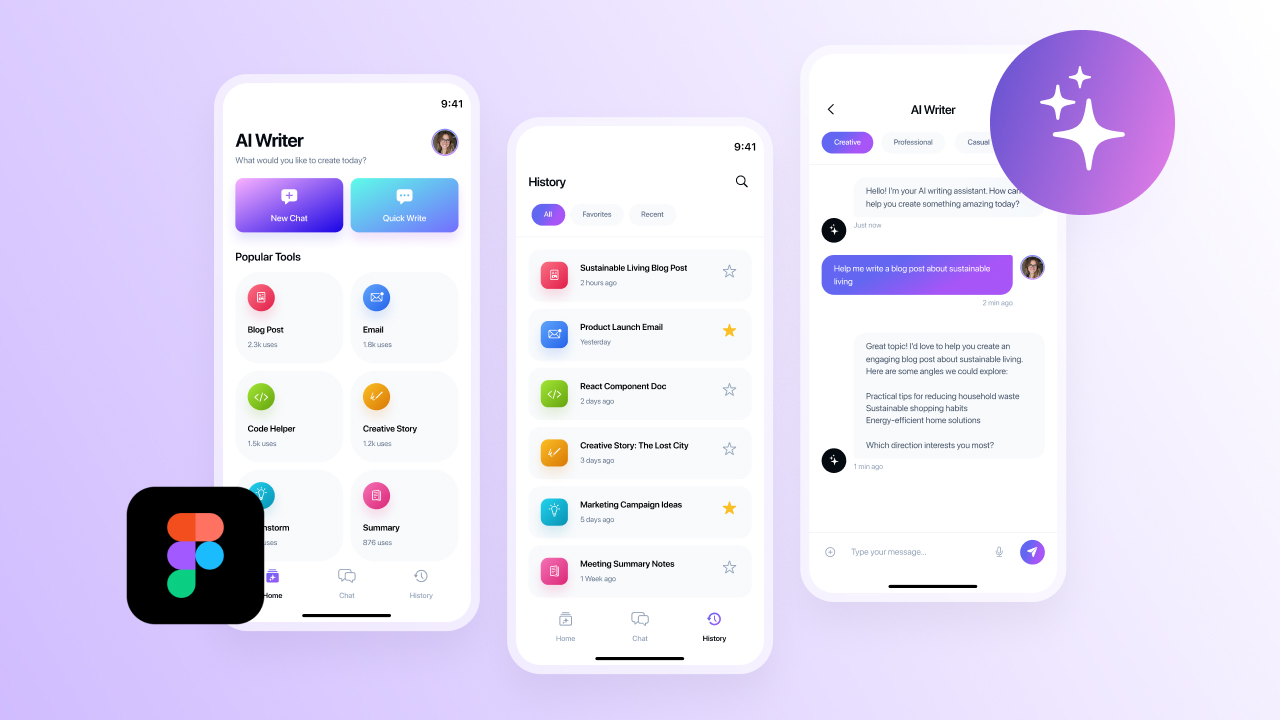
AI assistants are now at the core of productivity. Tools like ChatGPT and Microsoft Copilot help users write emails, generate reports, summarize meetings, and even automate repetitive tasks.
Why They Matter:
- Save time on routine work
- Improve writing and communication
- Automate workflows
Example: You can ask an AI assistant to draft a professional email or summarize a long document in seconds.
2. Smart Note-Taking Apps
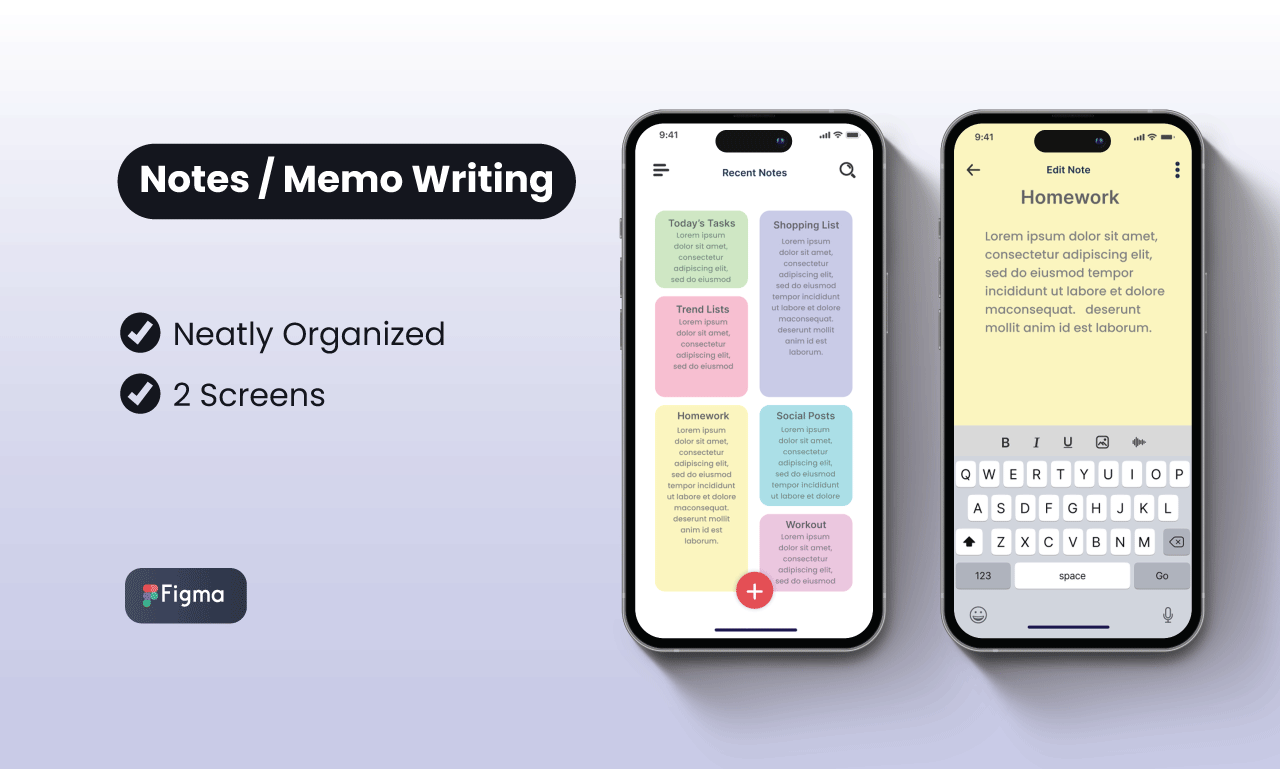
Modern note-taking apps like Notion and Evernote have evolved into full productivity hubs.
Features:
- Organize notes with tags and folders
- Add images, links, and tasks
- Collaborate with teams
Example: Students and professionals use these apps to manage projects, store ideas, and track daily tasks.
3. Task & Project Management Tools
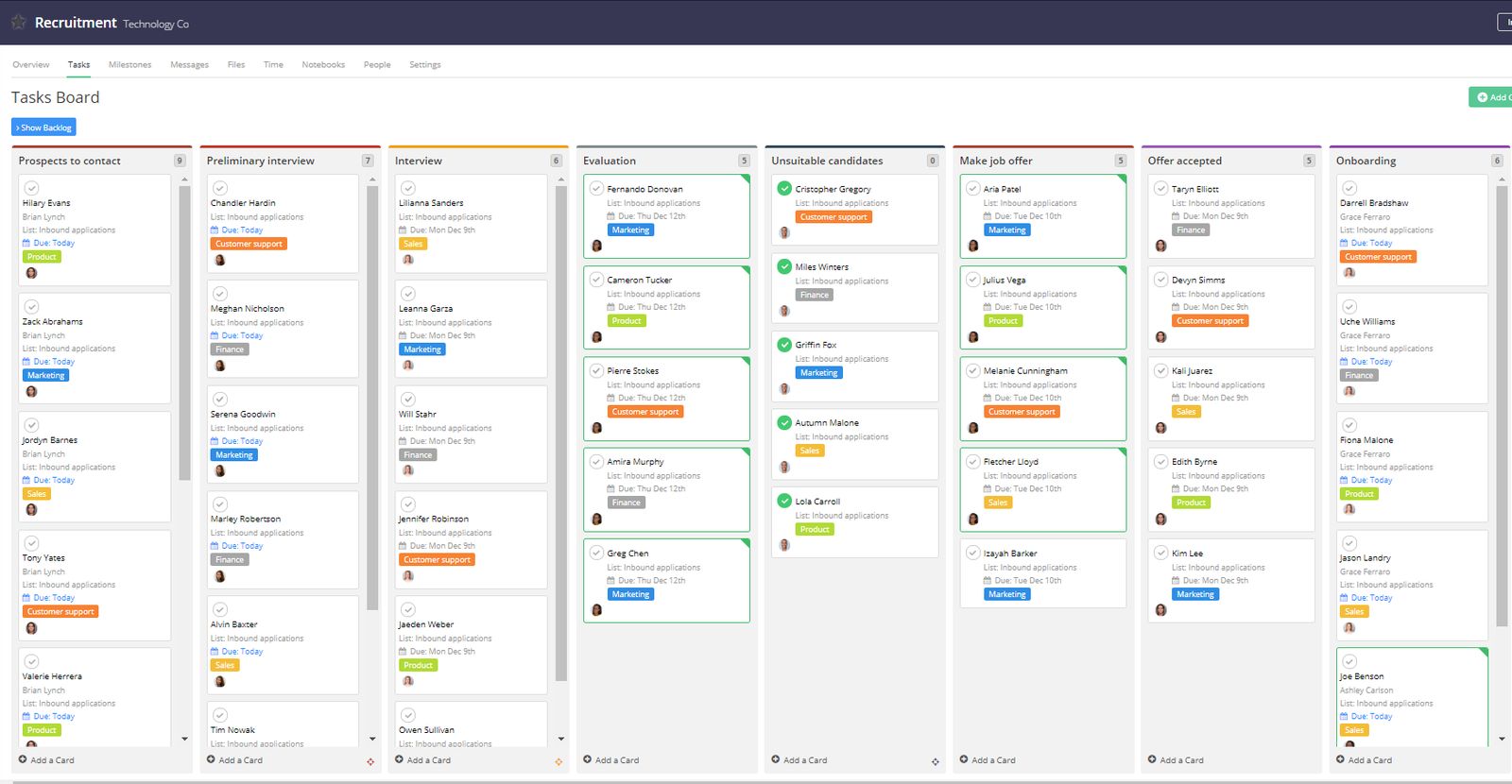
Managing tasks efficiently is easier with apps like Trello and Asana.
Key Benefits:
- Visual task tracking (Kanban boards)
- Team collaboration
- Deadline and progress monitoring
Example: A marketing team can assign tasks, track progress, and meet deadlines—all in one place.
4. Cloud Storage & File Sharing
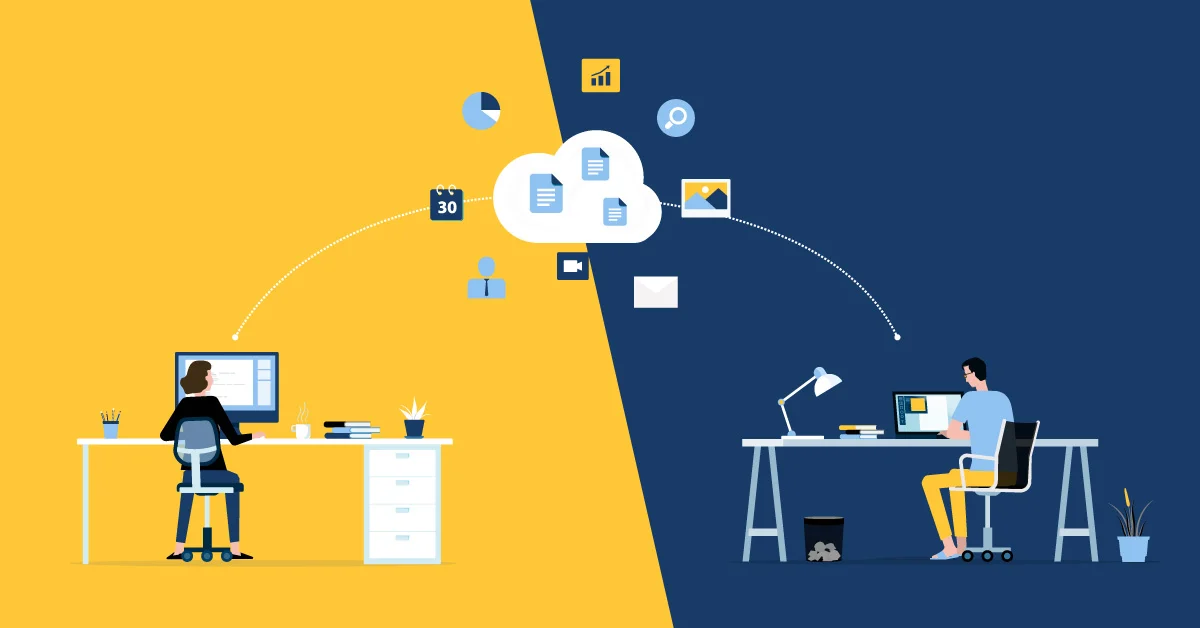
Cloud storage apps like Google Drive and Dropbox make file access and sharing effortless.
Advantages:
- Access files from anywhere
- Real-time collaboration
- Secure backups
Example: Teams can work on the same document simultaneously without emailing multiple versions.
5. Communication & Collaboration Platforms
Clear communication is essential for productivity. Platforms like Slack and Microsoft Teams keep teams connected.
Features:
- Instant messaging and channels
- Video calls and meetings
- File sharing
Example: Remote teams use these tools to stay aligned and communicate instantly.

6. Time Management & Focus Apps
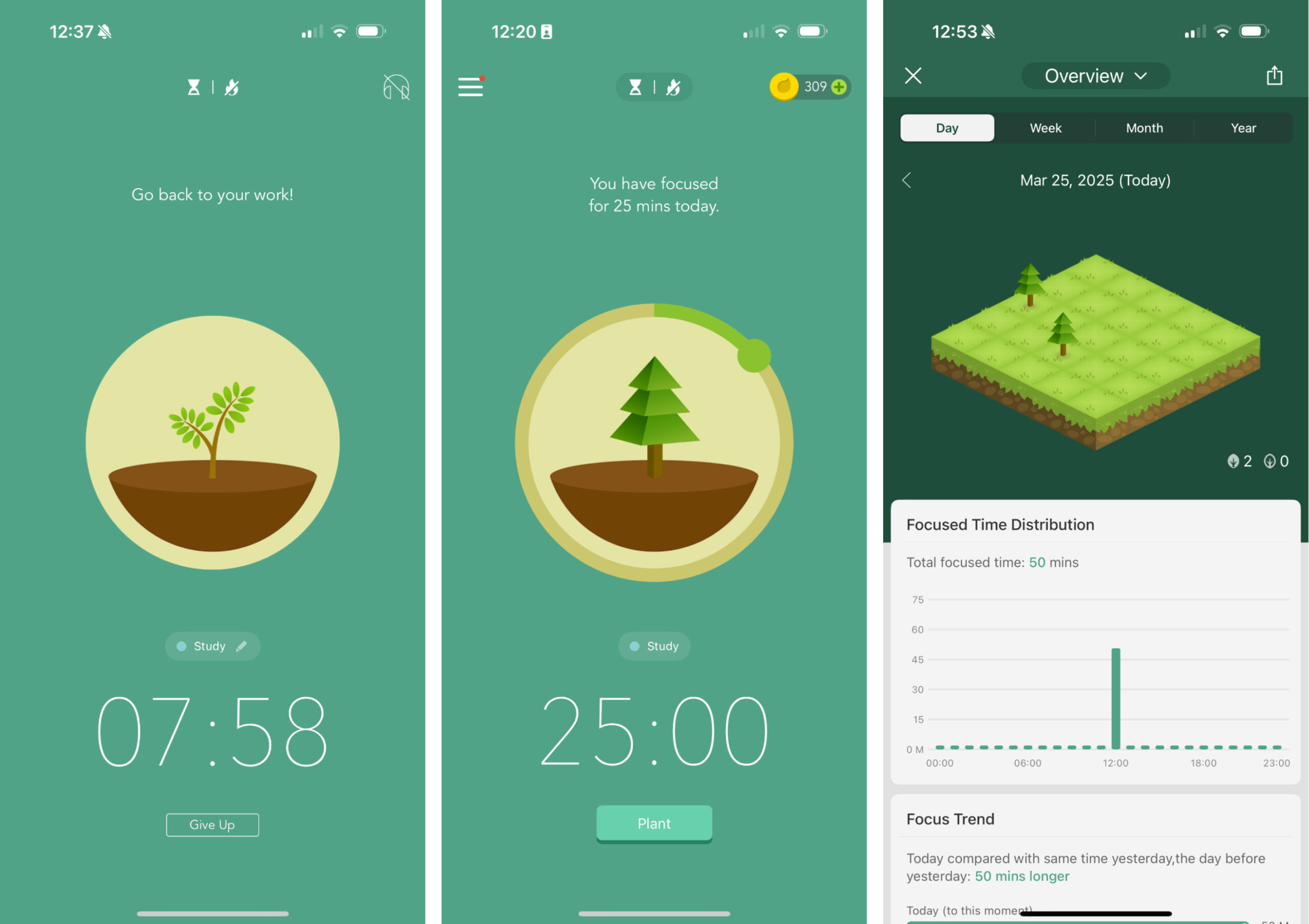
Apps like RescueTime and Forest help users manage time and avoid distractions.
Benefits:
- Track how time is spent
- Improve focus
- Build better work habits
Example: A freelancer can monitor work hours and reduce time wasted on distractions.
7. Automation Tools
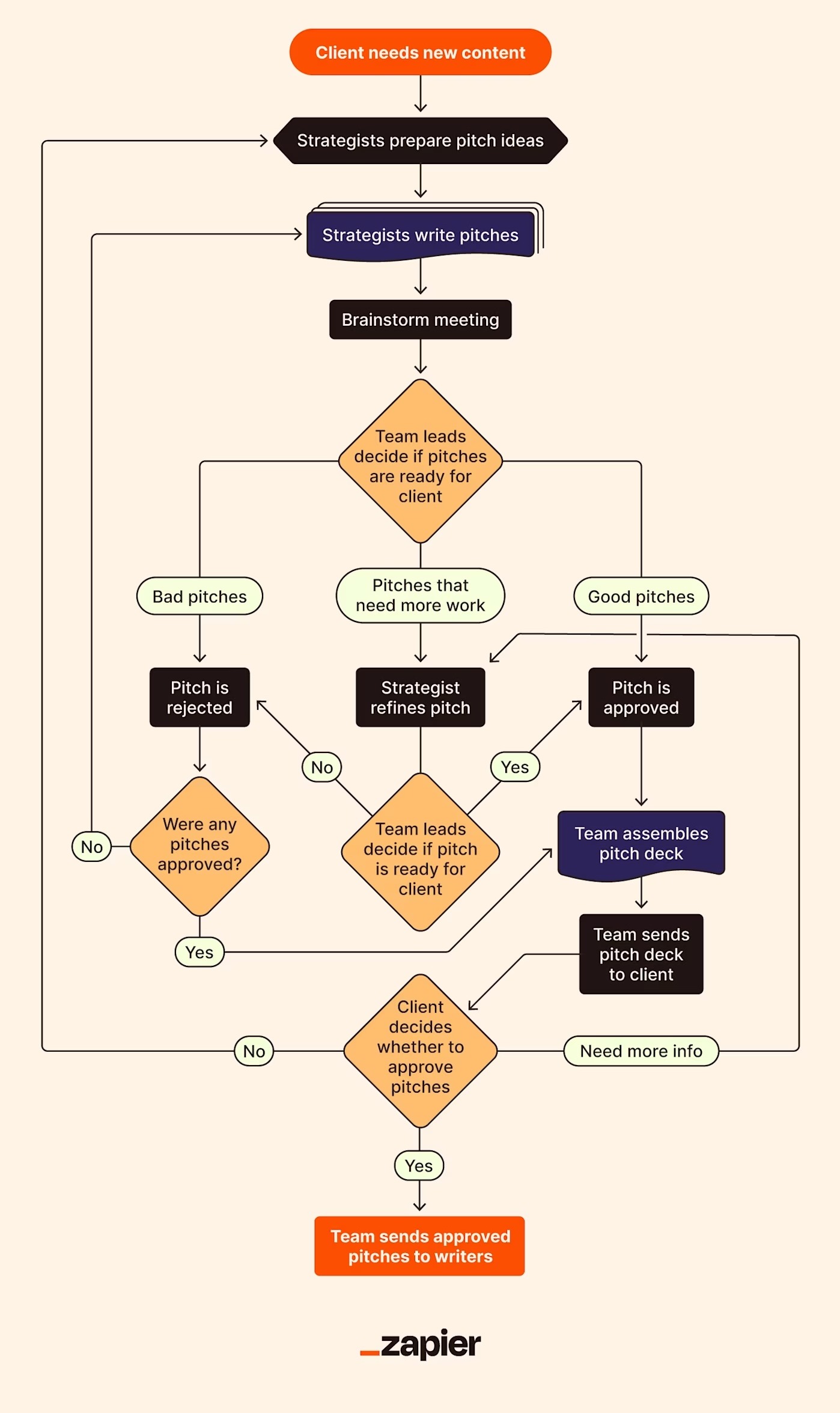
Automation tools like Zapier and Make (formerly Integromat) connect different apps and automate repetitive tasks.
What They Do:
- Automate workflows
- Connect multiple apps
- Reduce manual effort
Example: Automatically save email attachments to cloud storage or send notifications when tasks are completed.
8. All-in-One Productivity Platforms
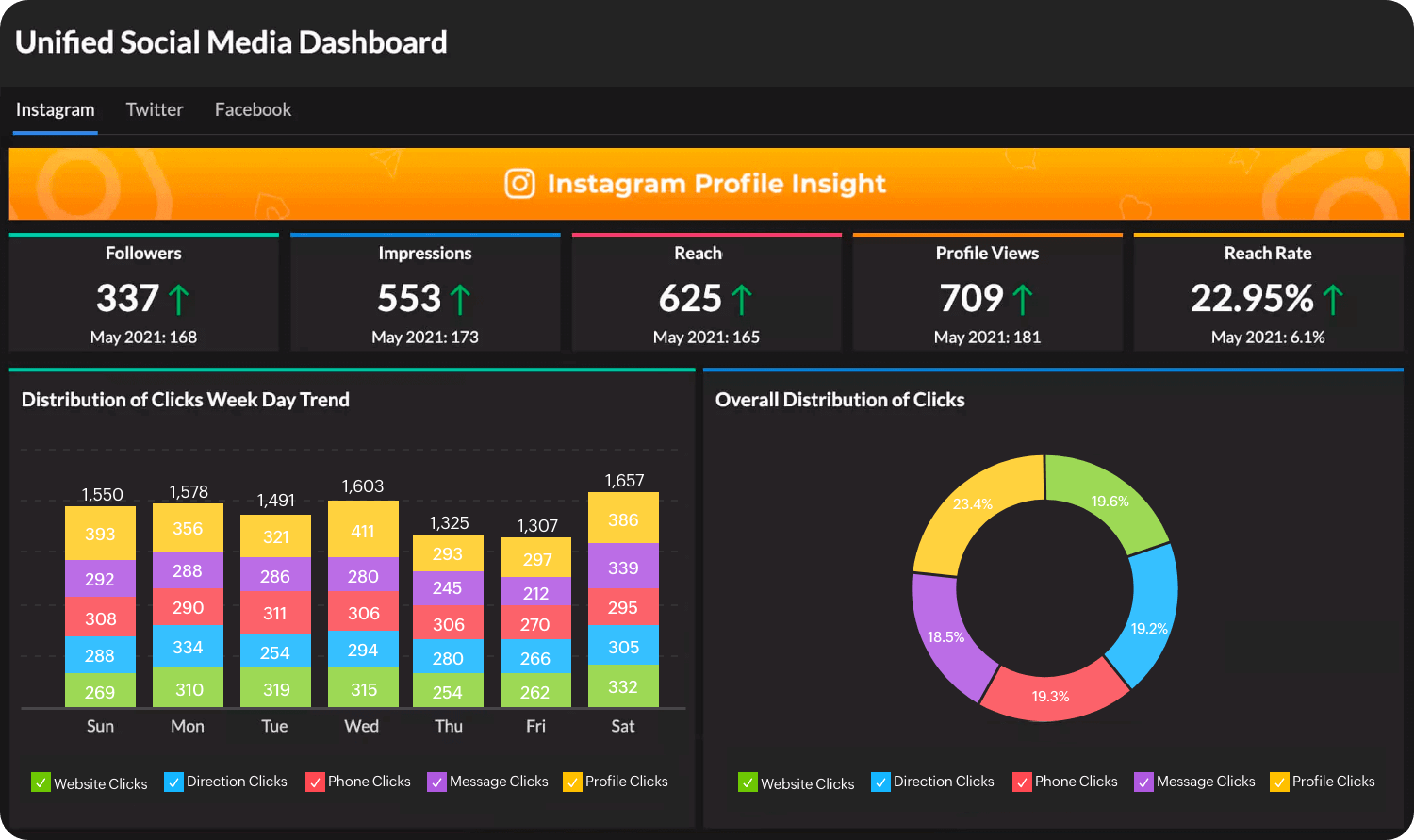
In 2026, many users prefer all-in-one platforms that combine multiple tools in one place. Apps like ClickUp offer tasks, docs, chat, and goals together.
Why They’re Popular:
- Everything in one place
- Reduced app switching
- Better organization
Example: Startups manage projects, communication, and documentation within a single platform.
Final Thoughts
The best productivity apps in 2026 are designed to simplify work, enhance collaboration, and save time. Whether you’re a student, freelancer, or business owner, choosing the right tools can significantly improve your efficiency.
From AI assistants to automation platforms, productivity is now driven by smart technology—not just effort.

Leave a Reply