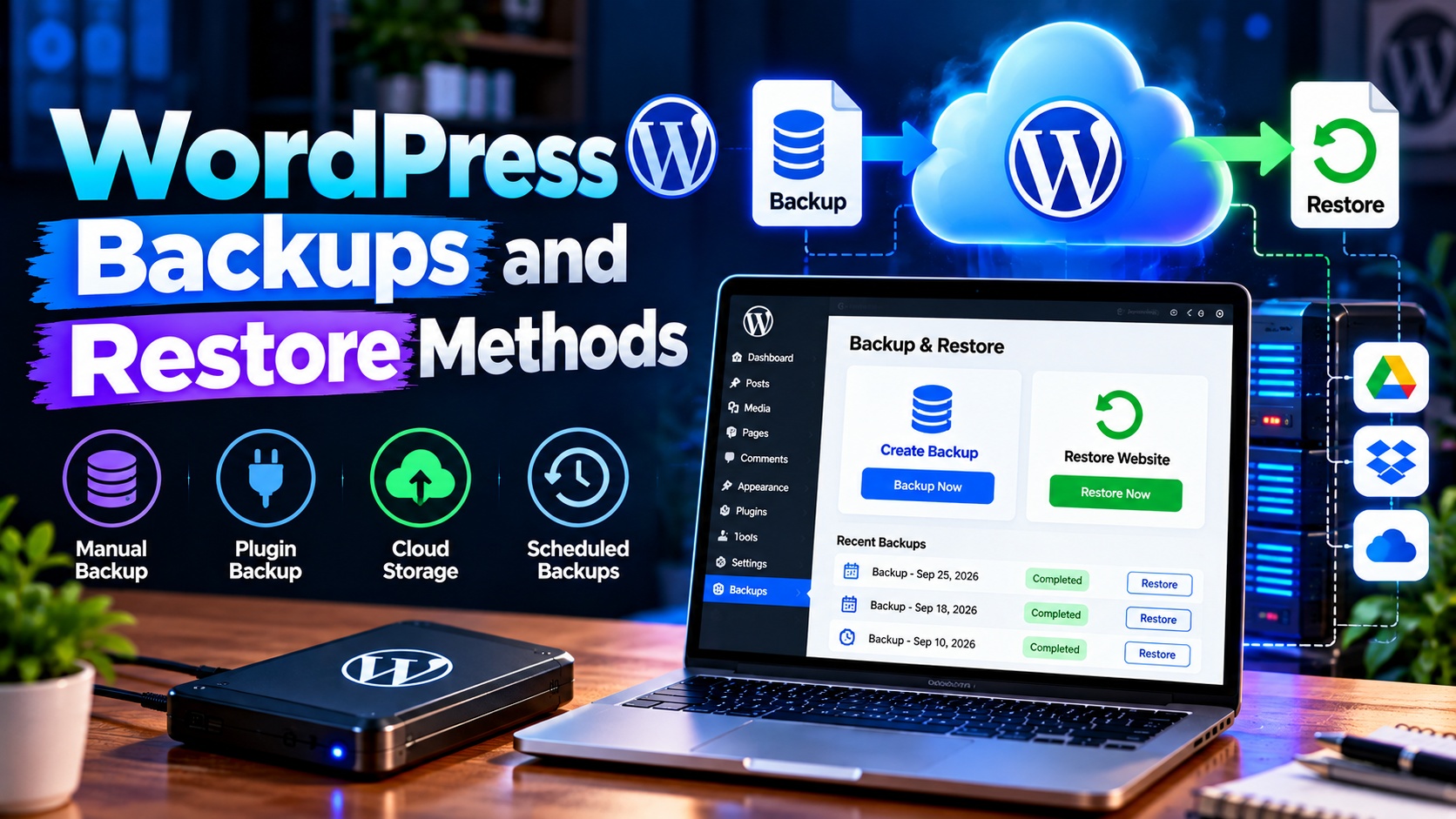
Your website is one of your most valuable digital assets. Whether it’s a business site, blog, or online store, losing data due to hacking, server failure, or a simple mistake can be devastating. That’s why understanding WordPress backups and restore methods is not optional—it’s essential.
This guide explains what backups are, why they matter, and the most reliable ways to back up and restore a WordPress website, using simple and practical language.
What Is a WordPress Backup?
A WordPress backup is a complete copy of your website’s data, stored safely in another location. It typically includes:
- Database – posts, pages, comments, user data, and settings
- Files – themes, plugins, uploads (images, videos, documents)
- Configuration files – such as
wp-config.php
If anything goes wrong, a backup allows you to restore your site to a previous working state.
Why Regular Backups Are Critical
Websites face risks every day. Regular backups protect you from:
- Hacking and malware attacks
- Accidental file deletion or editing errors
- Plugin or theme update failures
- Server crashes or hosting issues
- Website migration mistakes
With a recent backup, recovery takes minutes instead of days.
Types of WordPress Backups
Full Backup
A complete copy of your entire website, including files and database. Best for full recovery.
Partial Backup
Backs up only specific parts, such as the database or uploads folder. Useful for quick fixes but limited in recovery scope.
Scheduled (Automatic) Backup
Runs automatically on a set schedule—daily, weekly, or monthly. Ideal for active websites.
On-Demand Backup
Created manually before updates or major changes.
WordPress Backup Methods
1. Backup Using WordPress Plugins
Backup plugins are the easiest and most popular option, especially for beginners.
Advantages
- User-friendly interface
- Automatic scheduled backups
- Easy restore options
- Cloud storage support (Google Drive, Dropbox, etc.)
How it works
- Install a backup plugin
- Configure backup frequency and storage
- Run backups automatically or manually
- Restore with one click when needed
This method is ideal for most small to medium websites.
2. Hosting Provider Backup Solutions
Many WordPress hosting providers offer built-in backup services.
Advantages
- No setup required
- Server-level backups
- Fast restoration
- Often included in hosting plans
Limitations
- Limited control over backup frequency
- Some hosts charge extra for restores
- Backups may not be downloadable
This method works best as an additional safety net, not your only backup solution.
3. Manual Backup via cPanel or File Manager
This method gives you full control and is useful for advanced users.
Steps involved
- Download website files using File Manager or FTP
- Export the database using phpMyAdmin
- Store files securely on your computer or cloud storage
Advantages
- No plugins required
- Complete control over data
- Useful in emergency situations
Disadvantages
- Time-consuming
- Higher risk of human error
- Not ideal for frequent backups
4. Cloud-Based Backup Services
Some services specialize in off-site WordPress backups.
Benefits
- Backups stored off-server
- High security and redundancy
- Easy migration and restoration
This method is popular for business-critical websites that require maximum reliability.
Best Practices for WordPress Backups
- Back up regularly (daily for active sites)
- Store backups off-site (cloud or external storage)
- Keep multiple backup versions
- Test your backups by restoring them occasionally
- Back up before updates (themes, plugins, WordPress core)
Following these practices ensures your backups are reliable when you need them most.
WordPress Restore Methods
1. Restore Using a Backup Plugin
Most plugins provide a simple restore option.
Typical process
- Access the plugin dashboard
- Select a backup version
- Click restore
- Wait for completion
This is the fastest and safest restore method for most users.
2. Restore Using Hosting Backup
If your host provides backups:
- Log in to your hosting control panel
- Choose a backup date
- Restore files, database, or full site
This method is helpful when your WordPress dashboard is inaccessible.
3. Manual Restore (Advanced Method)
Used when plugin or hosting restore options are unavailable.
Steps
- Upload backup files via FTP or File Manager
- Import database backup via phpMyAdmin
- Update configuration files if needed
This method requires technical knowledge and careful execution.
How Often Should You Back Up Your WordPress Site?
- Daily – Blogs, news sites, eCommerce stores
- Weekly – Small business or portfolio websites
- Before major changes – Updates, redesigns, migrations
The more frequently your content changes, the more often you should back up.
Common Backup Mistakes to Avoid
- Relying on a single backup source
- Storing backups on the same server
- Never testing restore functionality
- Forgetting to back up before updates
- Using outdated or unreliable backup tools
Final Thoughts
WordPress backups are your website’s insurance policy. No matter how secure or well-maintained your site is, unexpected problems can still occur. By choosing the right backup method and following best practices, you ensure your website can always be restored quickly and safely.
A solid backup and restore strategy doesn’t just protect your data—it protects your time, reputation, and peace of mind.