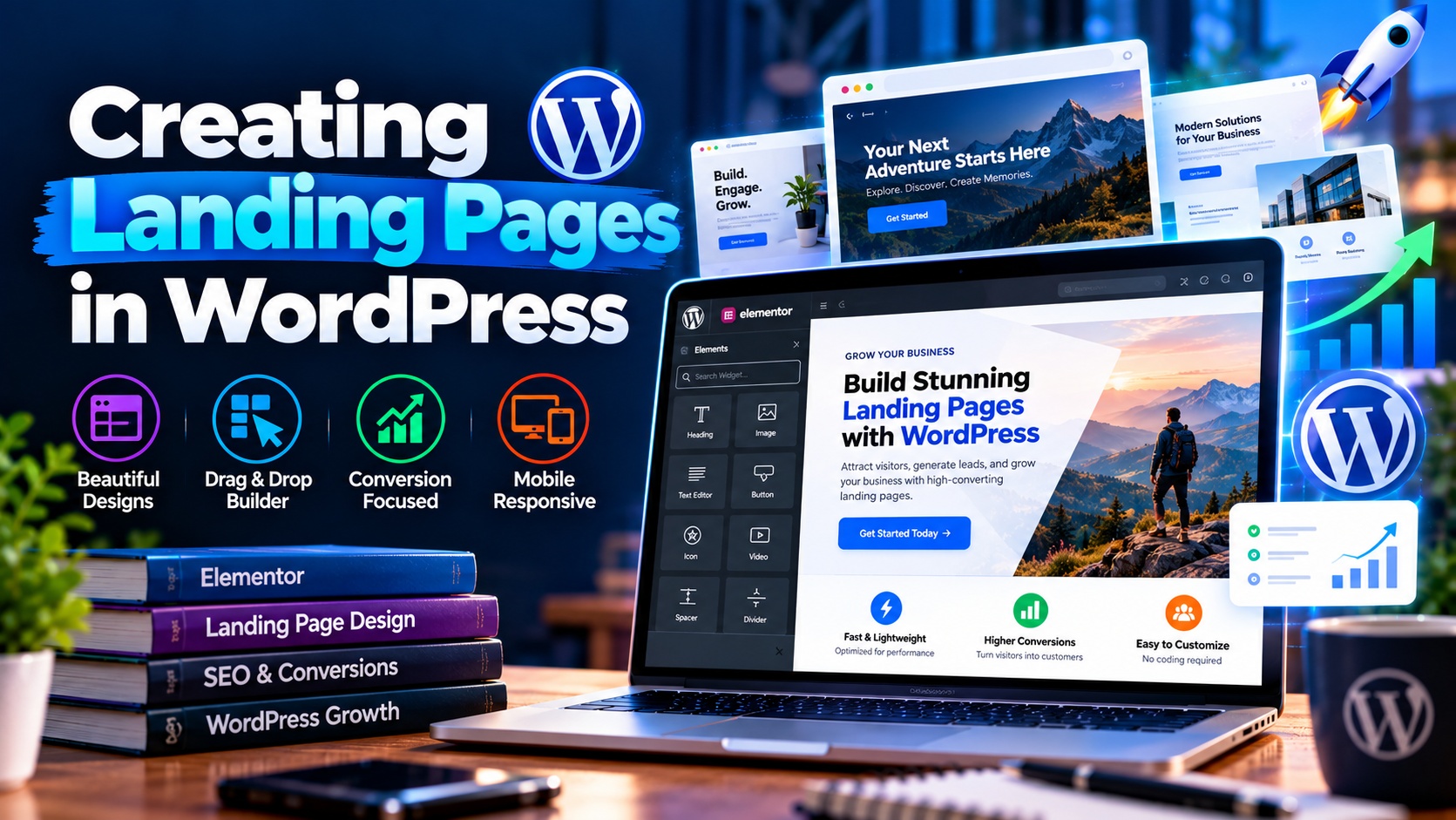
Landing pages play a crucial role in turning website visitors into leads, subscribers, or customers. Unlike regular website pages, landing pages are designed with a single, focused goal—whether it’s collecting email signups, promoting a product, or encouraging users to take a specific action. WordPress makes it easy to create powerful and high-converting landing pages without advanced technical skills.
This guide explains how to create landing pages in WordPress, the tools you can use, and best practices to ensure maximum conversions.
What Is a Landing Page?
A landing page is a standalone web page created specifically for marketing or advertising campaigns. Visitors usually arrive on a landing page from ads, email campaigns, social media, or search engines. The main objective is to guide users toward one clear call to action, such as signing up, downloading a resource, or making a purchase. Unlike homepage or blog pages, landing pages remove distractions and focus entirely on conversion.
Why Use Landing Pages in WordPress?
Using landing pages in WordPress offers several advantages:
- Easy creation and customization
- No coding required for most designs
- Seamless integration with marketing tools
- SEO-friendly structure
- Flexibility to test and optimize layouts
WordPress allows you to create landing pages that look professional while remaining easy to manage and update.
Key Elements of an Effective Landing Page
A successful landing page usually includes the following elements:
- A clear and compelling headline
- A short supporting description
- Visual elements such as images or icons
- A strong call-to-action (CTA)
- Trust signals like testimonials or guarantees
- Minimal navigation to reduce distractions
Each element should support the main goal of the page.
Methods to Create Landing Pages in WordPress
There are multiple ways to create landing pages in WordPress, depending on your experience and needs.
Using the WordPress Block Editor
The default WordPress block editor allows you to create simple landing pages using blocks for text, images, buttons, and layouts. This method is suitable for basic landing pages and users who prefer a lightweight approach.
Using Page Builder Plugins
Page builders provide drag-and-drop functionality, making it easy to design custom landing pages. They offer pre-built templates, advanced design options, and responsive controls. Page builders are ideal for marketers and business owners who want visually rich landing pages.
Using Landing Page Plugins
Some plugins are specifically designed for landing pages and conversion optimization. These tools often include built-in templates, analytics integration, and A/B testing features.
Step-by-Step: Creating a Landing Page in WordPress
Creating a landing page follows a simple process:
- Create a new page in WordPress
- Choose a blank or landing page template
- Add a clear headline and value proposition
- Insert visuals and supporting content
- Add a call-to-action button or form
- Optimize the page for mobile devices
- Publish and test the page
This structured approach ensures your landing page stays focused and effective.
Designing for Conversions
Design plays a major role in how well a landing page performs. Use clean layouts, consistent colors, and readable fonts. Avoid unnecessary elements that distract users from the main goal.
White space, visual hierarchy, and contrast help guide visitors toward your call to action naturally.
Optimizing Landing Pages for Mobile Users
A large percentage of visitors access landing pages on mobile devices. To ensure a smooth experience:
- Use responsive layouts
- Keep text concise
- Make buttons easy to tap
- Avoid heavy images that slow loading
Mobile optimization directly impacts conversion rates and user satisfaction.
SEO Considerations for Landing Pages
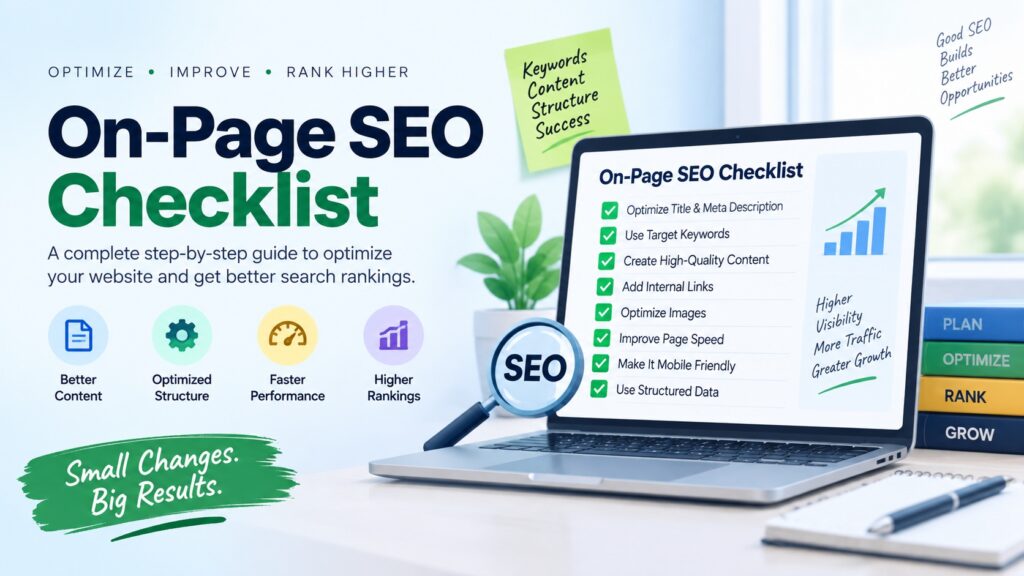
While landing pages are often used for paid campaigns, SEO still matters. Use relevant keywords naturally in headings and content, optimize meta titles and descriptions, and ensure fast loading speeds. Internal linking and proper URL structure can also improve visibility in search engines.
Tracking and Improving Performance
To measure success, track metrics such as conversion rate, bounce rate, and time on page. Tools like analytics and heatmaps help identify areas for improvement.
Regular testing of headlines, layouts, and CTAs allows you to refine your landing pages and increase results over time.
Common Landing Page Mistakes to Avoid
Some common mistakes include:
- Too many calls to action
- Overloading the page with information
- Weak or unclear headlines
- Slow loading times
- Ignoring mobile users
Avoiding these issues helps maintain focus and improves conversions.
Conclusion
Creating landing pages in WordPress is an effective way to drive targeted results from your marketing efforts. With the right structure, design, and tools, you can build landing pages that engage visitors and encourage action. WordPress offers the flexibility and ease needed to create, test, and optimize landing pages for any goal.
By focusing on clarity, simplicity, and user experience, your WordPress landing pages can become powerful tools for growing your business and online presence.