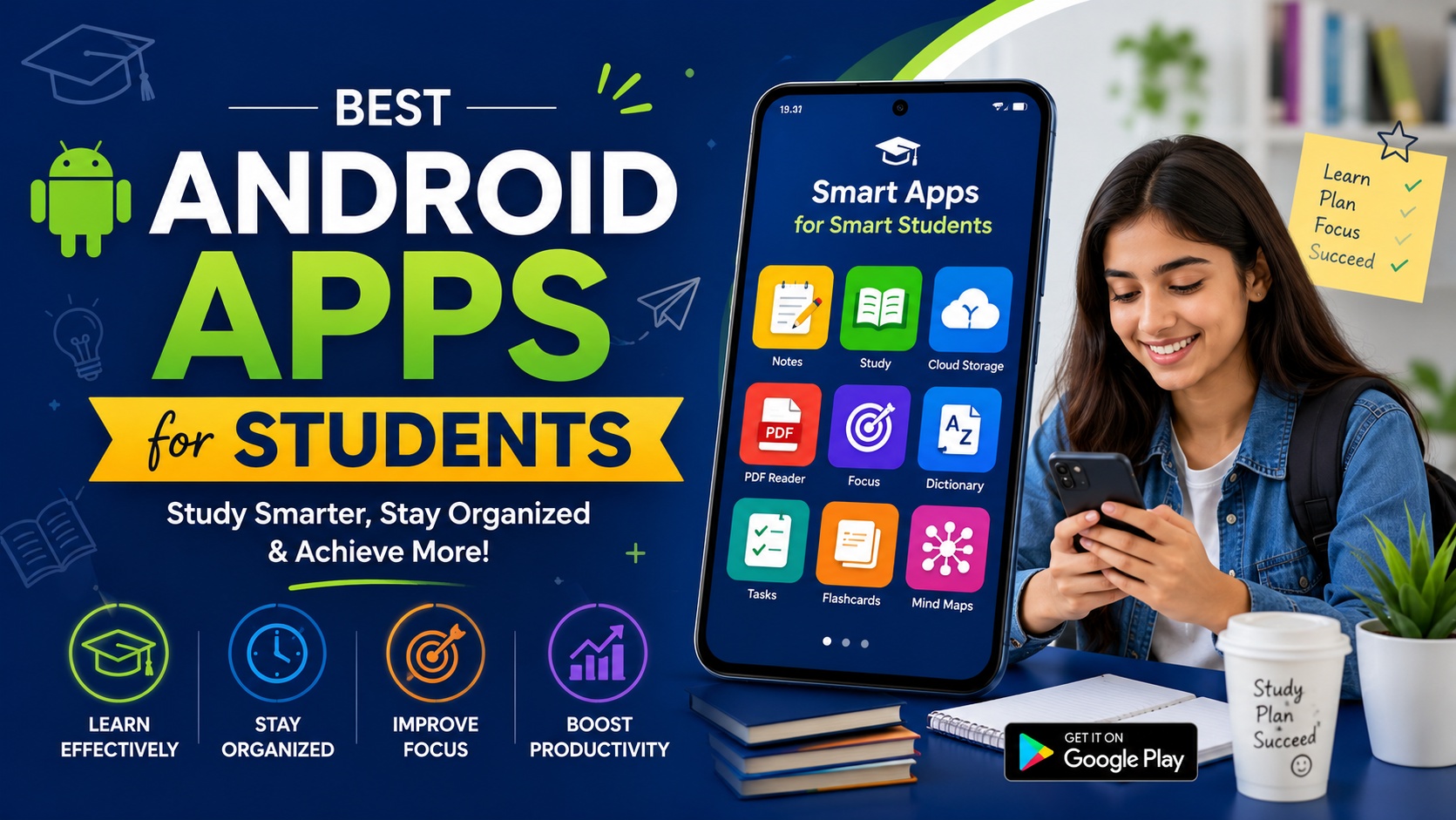
Smartphones are no longer just for entertainment. For students, they have become powerful tools for learning, organization, and productivity. With the right Android apps, students can manage their time, take better notes, study more efficiently, and even collaborate with classmates.
In this guide, we will explore some of the
best Android apps for students that can help improve productivity, learning, and academic performance.
1. Google Keep – Best App for Quick Notes
Google Keep is one of the most popular note-taking apps available on Android. It allows students to quickly capture ideas, create to-do lists, and organize notes with labels and colors.
Key Features
- Create text notes, voice notes, and checklists
- Set reminders for assignments and tasks
- Sync notes across devices
- Add images and drawings to notes
This app is perfect for students who want a simple and fast way to capture study notes.
2. Microsoft OneNote – Best App for Detailed Notes
Microsoft OneNote is a powerful digital notebook designed for detailed note-taking and study organization.
Students can create notebooks, sections, and pages to organize subjects and lecture notes efficiently.
Key Features
- Digital notebooks for different subjects
- Handwritten notes support
- Insert images, PDFs, and files
- Cloud syncing with Microsoft account
OneNote is ideal for students who want a structured system for storing lecture notes and study materials.
3. Google Drive – Best App for File Storage
Google Drive is an essential app for students who need secure cloud storage for their files.
Students can store documents, assignments, PDFs, and presentations safely and access them from anywhere.
Key Features
- Free cloud storage space
- Access files from any device
- Share documents with classmates
- Integration with Google Docs, Sheets, and Slides
Google Drive helps students keep their study materials organized and accessible anytime.
4. Forest – Best App for Focus and Productivity
Forest is a unique productivity app designed to help students stay focused while studying.
The concept is simple: when you start studying, you plant a virtual tree. If you leave the app to use social media or other distractions, the tree dies.
Key Features
- Focus timer for study sessions
- Encourages digital discipline
- Tracks productivity time
- Motivational visual progress
Forest is perfect for students who struggle with phone distractions during study time.
5. Khan Academy – Best Learning App
Khan Academy is one of the best free educational platforms available today.
It provides thousands of lessons in subjects like mathematics, science, economics, and computer programming.
Key Features
- Free educational courses
- Video lessons and practice exercises
- Interactive quizzes
- Learning progress tracking
Khan Academy helps students learn complex subjects in a simple and structured way.
6. Grammarly Keyboard – Best Writing Assistant
Grammarly Keyboard helps students improve their writing by correcting grammar and spelling mistakes in real time.
It works with most apps, including email, messaging apps, and document editors.
Key Features
- Grammar and spelling correction
- Writing clarity suggestions
- Vocabulary enhancement
- Works across multiple apps
This app is extremely useful for students who frequently write assignments, essays, and reports.
7. Notion – Best All-in-One Productivity App
Notion is an all-in-one productivity tool that combines notes, task management, and project organization.
Students can use it to plan assignments, organize notes, and manage study schedules.
Key Features
- Task management and planning
- Customizable study dashboards
- Notes and document creation
- Collaboration features
Notion is ideal for students who want one app to manage their entire academic workflow.
How Android Apps Help Students Study Better
Android apps can significantly improve the learning experience for students.
They help students:
- Organize notes and assignments
- Manage time and deadlines
- Access learning resources anytime
- Collaborate with classmates
- Improve writing and research skills
Using the right apps can make studying more efficient, interactive, and productive.
Final Thoughts
Today’s students can take advantage of powerful digital tools to enhance their learning experience. Apps like Google Keep, Microsoft OneNote, Google Drive, Forest, Khan Academy, Grammarly Keyboard, and Notion can help students stay organized, focused, and productive.
By integrating these apps into their daily study routine, students can improve both their learning efficiency and academic success.