
WordPress vs Wix – Complete Comparison
Choosing the right website platform is one of the most important decisions for your online presence. Two of the most popular options today are WordPress and Wix. Both are powerful, but they serve different types of users and goals.
In this complete comparison, you’ll understand which platform suits your needs—whether you’re a beginner, blogger, business owner, or developer.
What is WordPress?
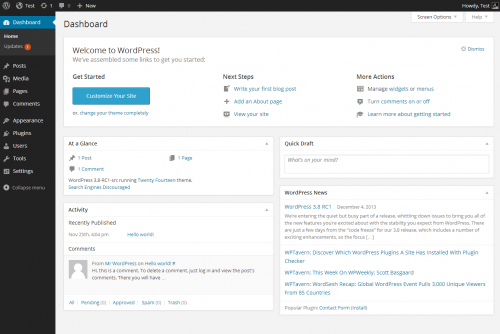
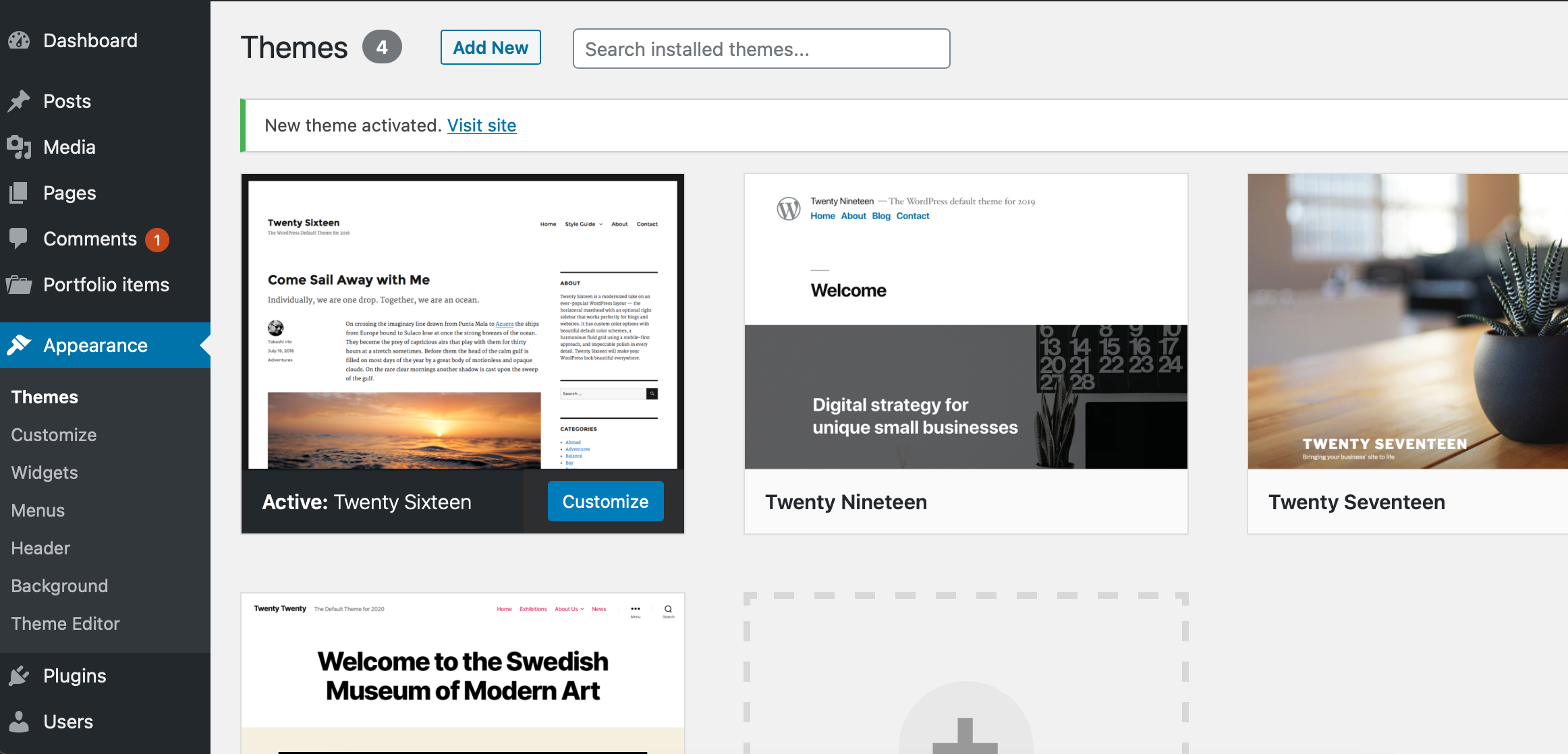
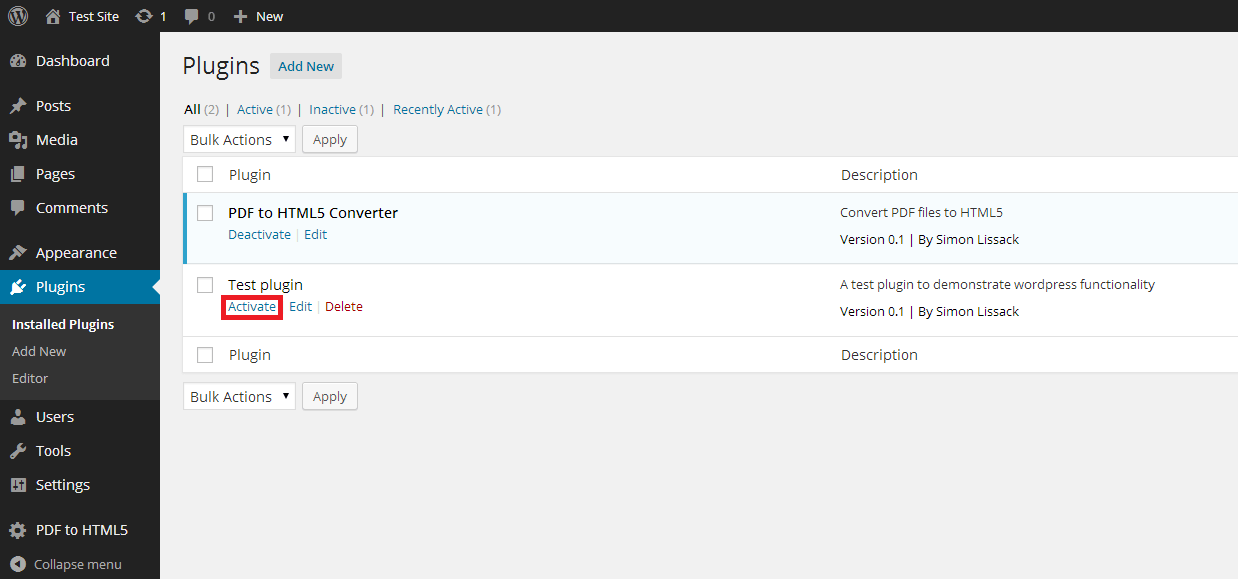
WordPress is a flexible and open-source content management system (CMS). It powers over 40% of websites on the internet.
Key Features:
- Open-source and free to use
- Thousands of themes and plugins
- Highly customizable
- Full control over website design and functionality
- Requires hosting and domain setup
Best for: Bloggers, developers, businesses, and scalable websites.
What is Wix?
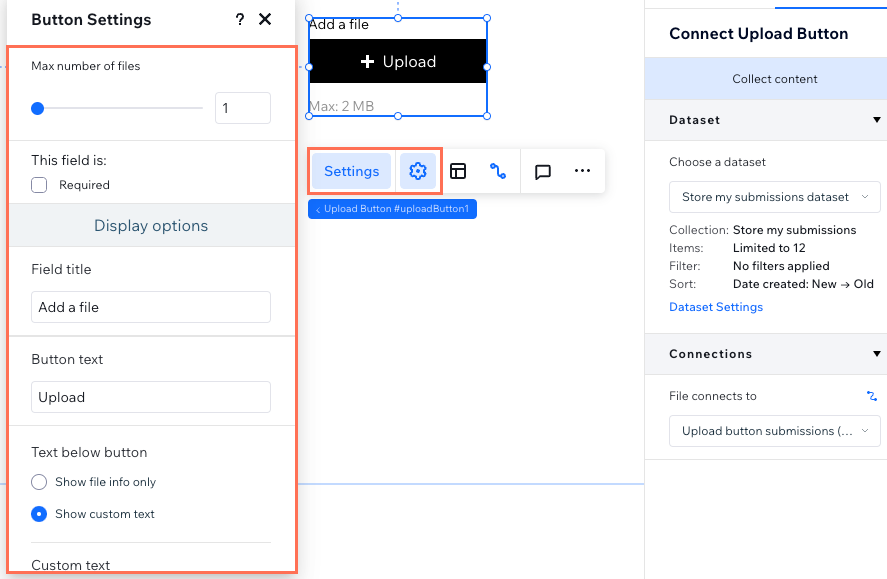
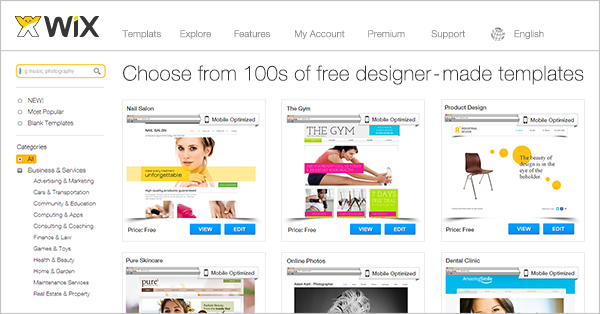
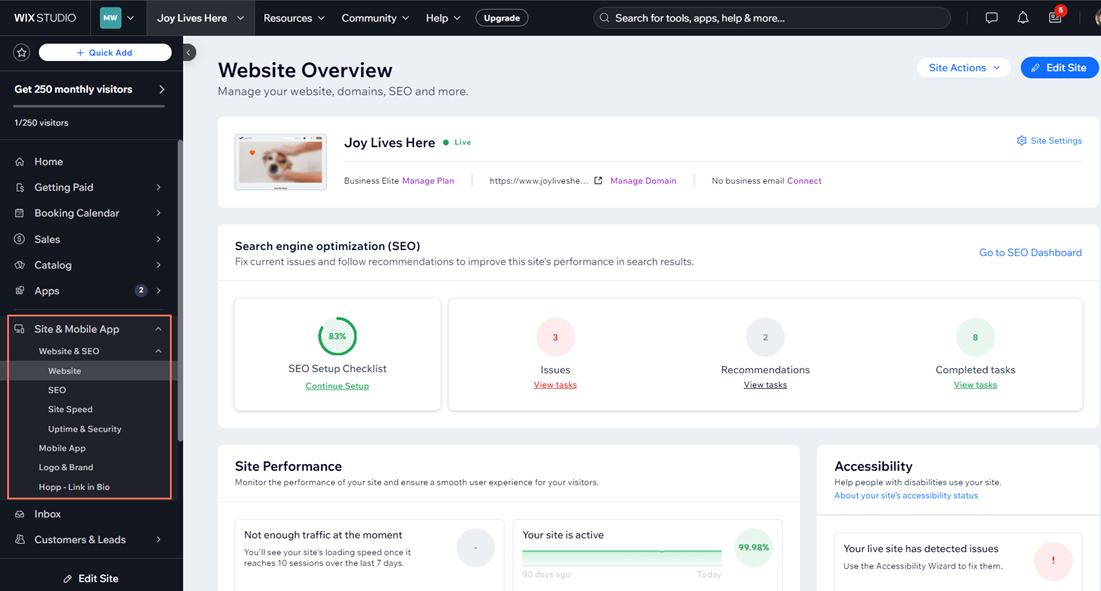
Wix is a beginner-friendly website builder that allows users to create websites using a drag-and-drop interface.
Key Features:
- No coding required
- Built-in hosting and security
- Drag-and-drop website builder
- Pre-designed templates
- Easy setup
Best for: Beginners, small businesses, and personal websites.
WordPress vs Wix – Key Differences
1. Ease of Use
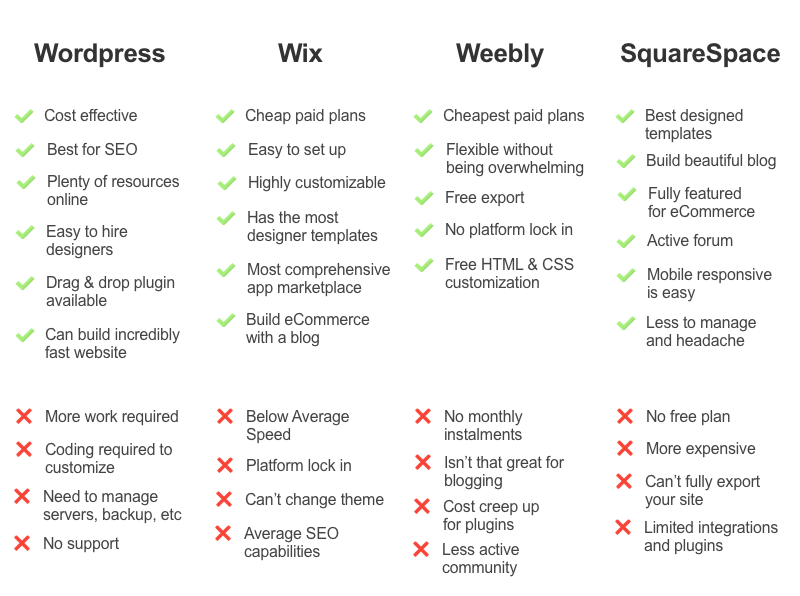
- Wix: Extremely easy for beginners. You can build a website visually without technical knowledge.
- WordPress: Has a learning curve. Requires setup (hosting, themes, plugins).
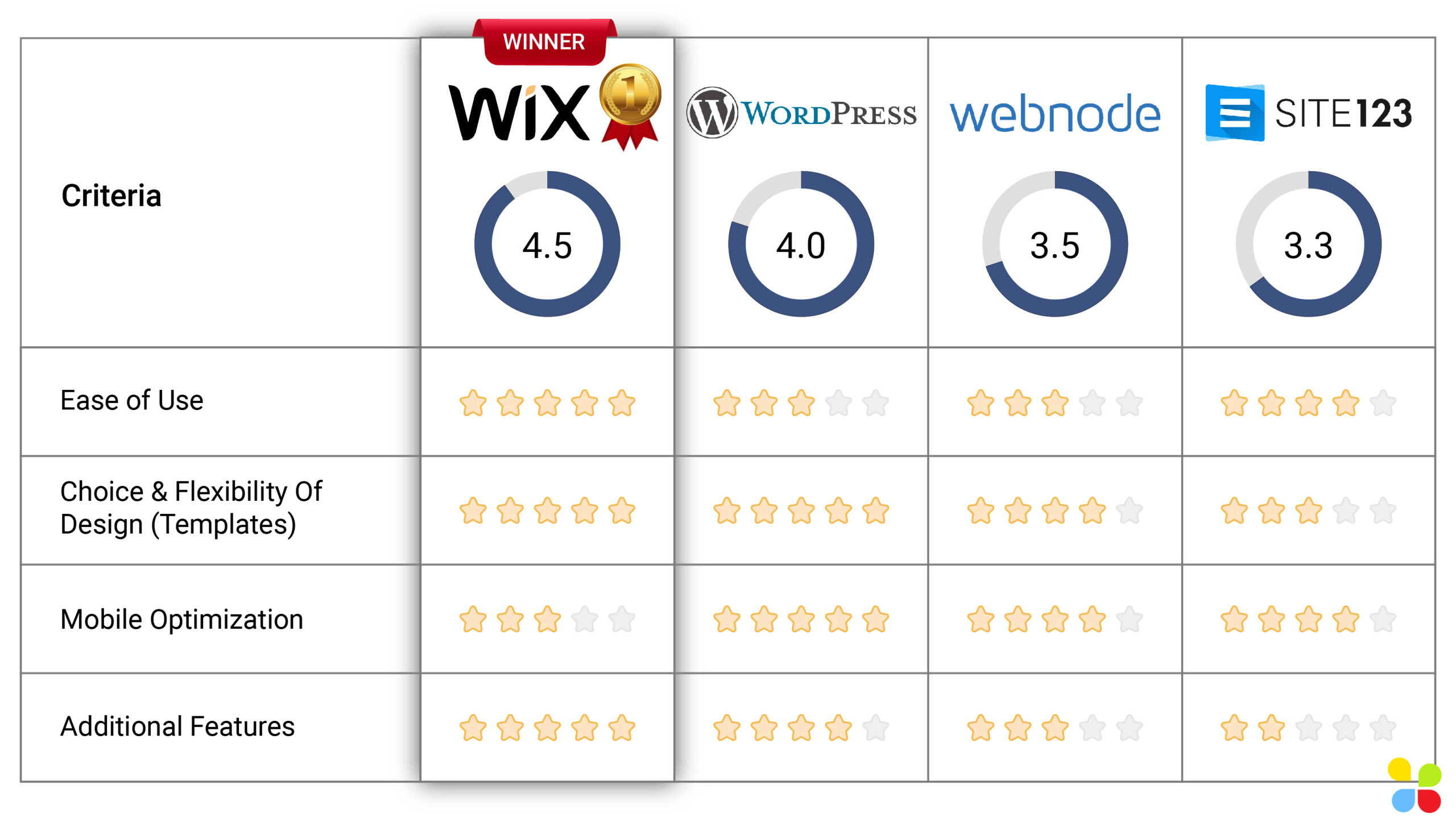
Winner: Wix (for beginners)
2. Customization & Flexibility
- WordPress: Unlimited customization with plugins and coding
- Wix: Limited customization compared to WordPress
Winner: WordPress
3. Design & Templates
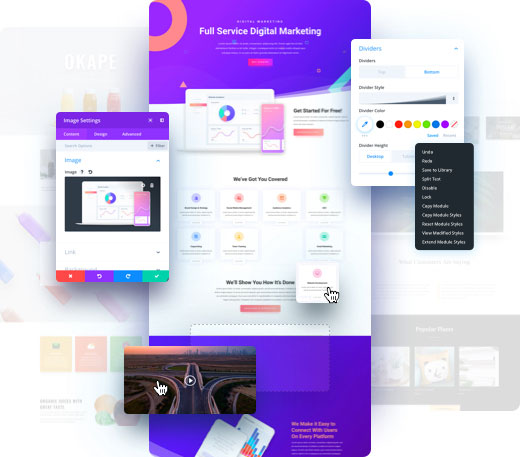
- Wix: Offers 800+ ready-made templates
- WordPress: Thousands of free and premium themes
Result: Tie – Both offer excellent designs
4. SEO Capabilities
- WordPress: Advanced SEO plugins like Yoast SEO give full control
- Wix: Basic SEO tools available, improving over time
Winner: WordPress
5. Pricing
- WordPress: Free software, but you pay for hosting, domain, and premium plugins
- Wix: Subscription-based (monthly plans include hosting)
Note: WordPress can be cheaper long-term but depends on setup.
6. Performance & Speed
- WordPress: Faster if optimized properly
- Wix: Performance depends on Wix infrastructure
Winner: WordPress (with optimization)
7. E-commerce Features
- WordPress: Use plugins like WooCommerce for full control
- Wix: Built-in eCommerce features, easy to set up
WordPress is better for large stores; Wix is better for small shops.
8. Ownership & Control
- WordPress: Full ownership of your website and data
- Wix: Limited control (hosted on Wix servers)
Winner: WordPress
Pros and Cons
WordPress Pros:
- Full control and flexibility
- Scalable for large websites
- Huge plugin ecosystem
WordPress Cons:
- Requires technical setup
- Maintenance responsibility
Wix Pros:
- Easy to use
- All-in-one solution
- Quick setup
Wix Cons:
- Limited flexibility
- Hard to migrate away
- Less control
Which One Should You Choose?
Choose WordPress if:
- You want full control and customization
- You plan to scale your website
- You are comfortable learning or hiring help
Choose Wix if:
- You are a beginner
- You need a quick website
- You prefer an all-in-one solution
Final Verdict
Both WordPress and Wix are excellent platforms, but your choice depends on your goals.
- For flexibility and long-term growth → WordPress wins
- For ease and simplicity → Wix wins
Conclusion
If you want to build a professional, scalable website, WordPress is the better choice. However, if you’re just starting and want a hassle-free experience, Wix is a great option.

Leave a Reply