
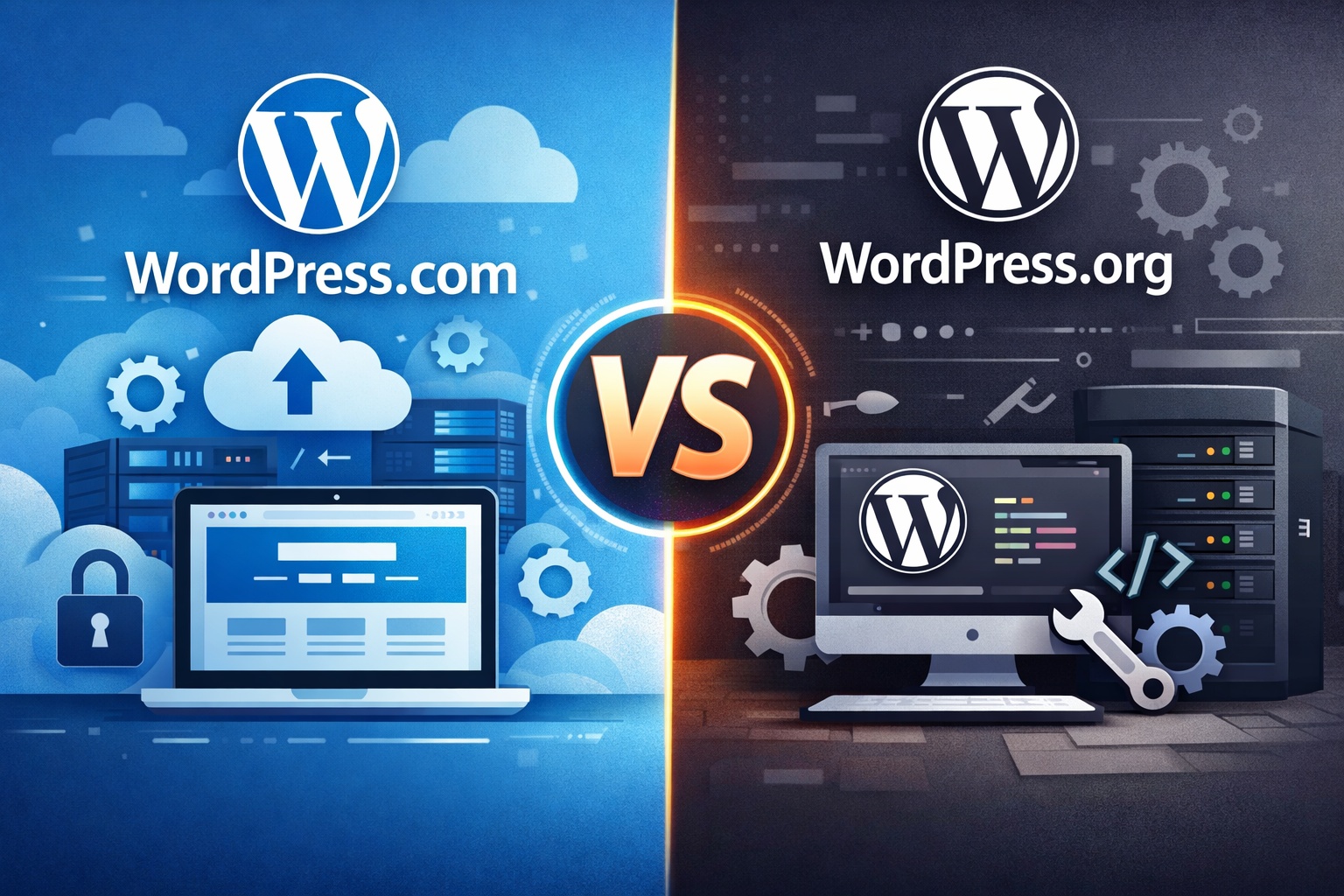
WordPress.com vs WordPress.org: Choosing the Right Platform
When starting a website, one of the most common points of confusion is choosing between WordPress.com and WordPress.org. Although they share the WordPress name and core technology, these two platforms serve very different needs.
Understanding their differences is essential to making the right decision for your website, whether you are launching a personal blog, a business website, or a growing online brand.
Understanding the Core Difference
The primary difference between WordPress.com and WordPress.org comes down to hosting and control.
- WordPress.com is a fully hosted platform. Everything is managed for you, including hosting, security, and updates.
- WordPress.org provides self-hosted software that you install on your own hosting provider, giving you complete control over your website.
This distinction affects customization, costs, scalability, and long-term flexibility.
What Is WordPress.com?
WordPress.com is a managed platform designed for simplicity and convenience. It allows users to create a website quickly without worrying about technical aspects such as hosting setup, server maintenance, or security configurations.
Key Features of WordPress.com
- Hosting included
- Automatic updates and backups
- Built-in security and maintenance
- Beginner-friendly interface
Who Should Choose WordPress.com?
WordPress.com is ideal for:
- Beginners with no technical experience
- Personal blogs or hobby websites
- Users who want minimal setup and maintenance
- Small sites with basic functionality needs
While it offers ease of use, advanced customization and monetization options are limited on lower plans.
What Is WordPress.org?
WordPress.org is the self-hosted version of WordPress, offering full freedom and flexibility. You download the software and install it on a hosting server of your choice.
Key Features of WordPress.org
- Complete ownership and control
- Unlimited theme and plugin options
- Full customization and branding freedom
- Advanced SEO and performance optimization
Who Should Choose WordPress.org?
WordPress.org is best suited for:
- Business websites and professional blogs
- Developers and advanced users
- E-commerce stores and membership sites
- Anyone planning long-term growth and scalability
It requires more responsibility, but the flexibility it provides is unmatched.
Customization and Design Flexibility
Customization is one of the biggest deciding factors between the two platforms.
- WordPress.com offers limited customization, especially on free and lower-tier plans.
- WordPress.org allows complete design freedom, including custom themes and plugins.
If branding and uniqueness are priorities, WordPress.org offers significantly more creative control.
Plugins and Features
Plugins extend your website’s functionality.
- On WordPress.com, plugin access is restricted to higher plans.
- On WordPress.org, you can install thousands of plugins to add advanced features.
This makes WordPress.org the better choice for feature-rich websites.
SEO and Performance Control
Search engine optimization plays a crucial role in online visibility.
- WordPress.com handles many SEO aspects automatically but offers limited control.
- WordPress.org provides full control over SEO settings and performance optimization.
For businesses and content-driven websites, WordPress.org offers better long-term SEO potential.
Cost Comparison
WordPress.com may appear more affordable initially, but costs increase with advanced features.
WordPress.org involves hosting and domain costs but offers better long-term value.
Security and Maintenance
- WordPress.com manages security, updates, and backups automatically.
- WordPress.org requires you to manage updates, backups, and security yourself.
WordPress.com suits users who prefer convenience, while WordPress.org is ideal for those wanting control.
Ownership and Data Control
Website ownership is another critical factor.
- WordPress.com enforces platform rules and limitations.
- WordPress.org gives full ownership of your website and data.
Which Platform Should You Choose?
Choose WordPress.com if:
- You want a simple, maintenance-free website
- You are blogging casually or starting out
- You do not need advanced customization
Choose WordPress.org if:
- You want full control and flexibility
- You are building a business or professional brand
- You plan to scale and monetize your website
Final Thoughts
Choosing between WordPress.com and WordPress.org depends on your goals, technical comfort level, and future plans. WordPress.com offers simplicity, while WordPress.org provides freedom and long-term growth potential.
By understanding the strengths and limitations of each platform, you can confidently select the option that aligns best with your vision and build a website that supports your success.

Leave a Reply