
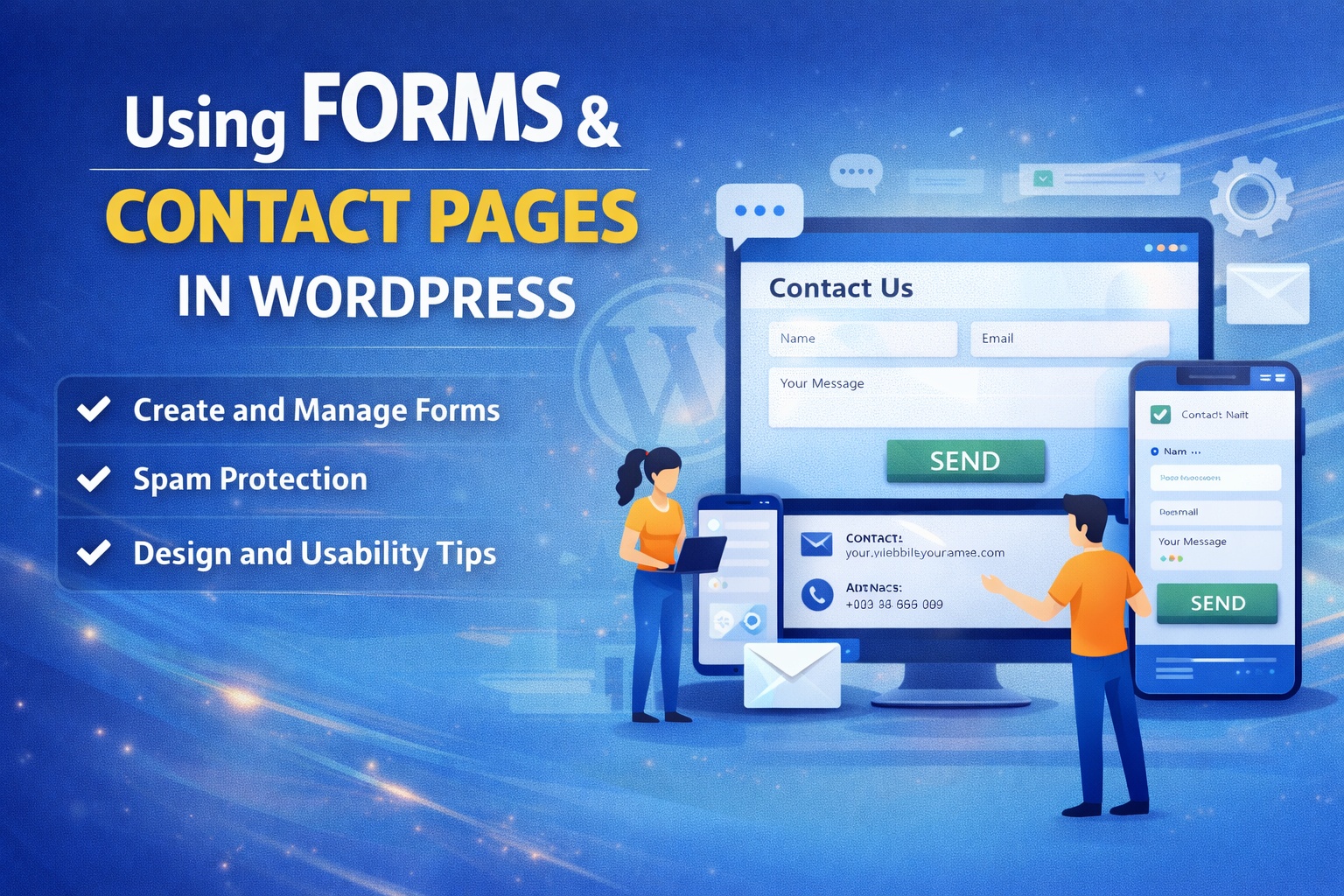
Using Forms and Contact Pages in WordPress
Forms and contact pages are essential components of any WordPress website. They provide an easy and professional way for visitors to get in touch, submit inquiries, request services, or share feedback. Whether you run a business website, blog, or portfolio, having well-designed forms helps you communicate effectively with your audience and build trust.
This guide explains how to use forms and contact pages in WordPress, the different types of forms you can create, and best practices for usability and security.
What Are Forms and Contact Pages?
A form is an interactive element that allows users to submit information, such as their name, email address, message, or other details. A contact page is a dedicated page on your website that usually includes a contact form along with additional information like email address, phone number, or location.
Together, forms and contact pages act as a bridge between you and your website visitors.
Why Forms Are Important on a WordPress Website
Using forms in WordPress offers several benefits:
- Makes it easy for visitors to contact you
- Reduces spam compared to direct email links
- Collects structured and useful information
- Improves professionalism and credibility
- Supports lead generation and customer support
Forms help streamline communication while keeping everything organized.
Common Types of Forms in WordPress
WordPress allows you to create various types of forms depending on your needs, including:
- Contact forms
- Inquiry or quote request forms
- Newsletter subscription forms
- Feedback and survey forms
- Registration forms
- Support request forms
Each form type serves a different purpose and should be designed accordingly.
How to Create Forms in WordPress
WordPress does not include advanced form functionality by default, so most users rely on plugins to create and manage forms. These tools allow you to build forms using drag-and-drop interfaces without writing code.
The general process usually involves:
- Installing a form plugin
- Creating a new form
- Adding form fields such as name, email, and message
- Configuring notifications and confirmations
- Embedding the form on a page or post
This approach makes form creation simple even for beginners.
Creating a Contact Page in WordPress
A contact page typically combines a form with helpful contact details. To create one:
- Create a new page in WordPress
- Add a clear heading like “Contact Us”
- Insert your contact form
- Include additional details such as email address, phone number, or office hours
- Add a short message encouraging users to reach out
A well-designed contact page reassures visitors and increases the chances of interaction.
Best Practices for Designing Forms
Good form design improves usability and completion rates. Follow these best practices:
- Keep forms short and simple
- Ask only for essential information
- Use clear field labels
- Add helpful placeholder text
- Include a clear call-to-action button
- Display success or error messages
Simple forms are more likely to be completed by users.
Protecting Forms from Spam
Spam is a common issue with online forms. To protect your WordPress forms:
- Enable CAPTCHA or anti-spam tools
- Use form validation
- Avoid exposing email addresses publicly
- Monitor form submissions regularly
These measures help keep your inbox clean and your website secure.
Managing and Responding to Form Submissions
Most form plugins store submissions in the WordPress dashboard and send email notifications. It is important to:
- Check submissions regularly
- Respond promptly to inquiries
- Organize entries for follow-ups
- Export data when needed
Efficient form management improves communication and customer satisfaction.
Optimizing Forms for Mobile Users
Many visitors use mobile devices to access websites. To ensure forms work well on all screens:
- Use responsive form layouts
- Keep fields easy to tap
- Avoid long dropdown menus
- Test forms on multiple devices
Mobile-friendly forms lead to better engagement and conversions.
Accessibility Considerations for Forms
Accessible forms ensure that all users, including those with disabilities, can interact with your website. Use proper labels, readable fonts, and clear instructions. Accessible design improves usability for everyone and aligns with best practices.
Common Mistakes to Avoid
Some common form-related mistakes include:
- Asking for too much information
- Using unclear labels or instructions
- Not testing forms before publishing
- Ignoring spam protection
- Failing to respond to submissions
Avoiding these mistakes ensures your forms remain effective and user-friendly.
Conclusion
Using forms and contact pages in WordPress is essential for building communication, trust, and engagement with your audience. With the right setup, design, and security measures, forms can become powerful tools for lead generation, support, and feedback. WordPress makes it easy to create and manage forms that look professional and function smoothly across devices.
By focusing on simplicity, usability, and responsiveness, your forms and contact pages will serve as reliable communication channels for your website.

Leave a Reply