
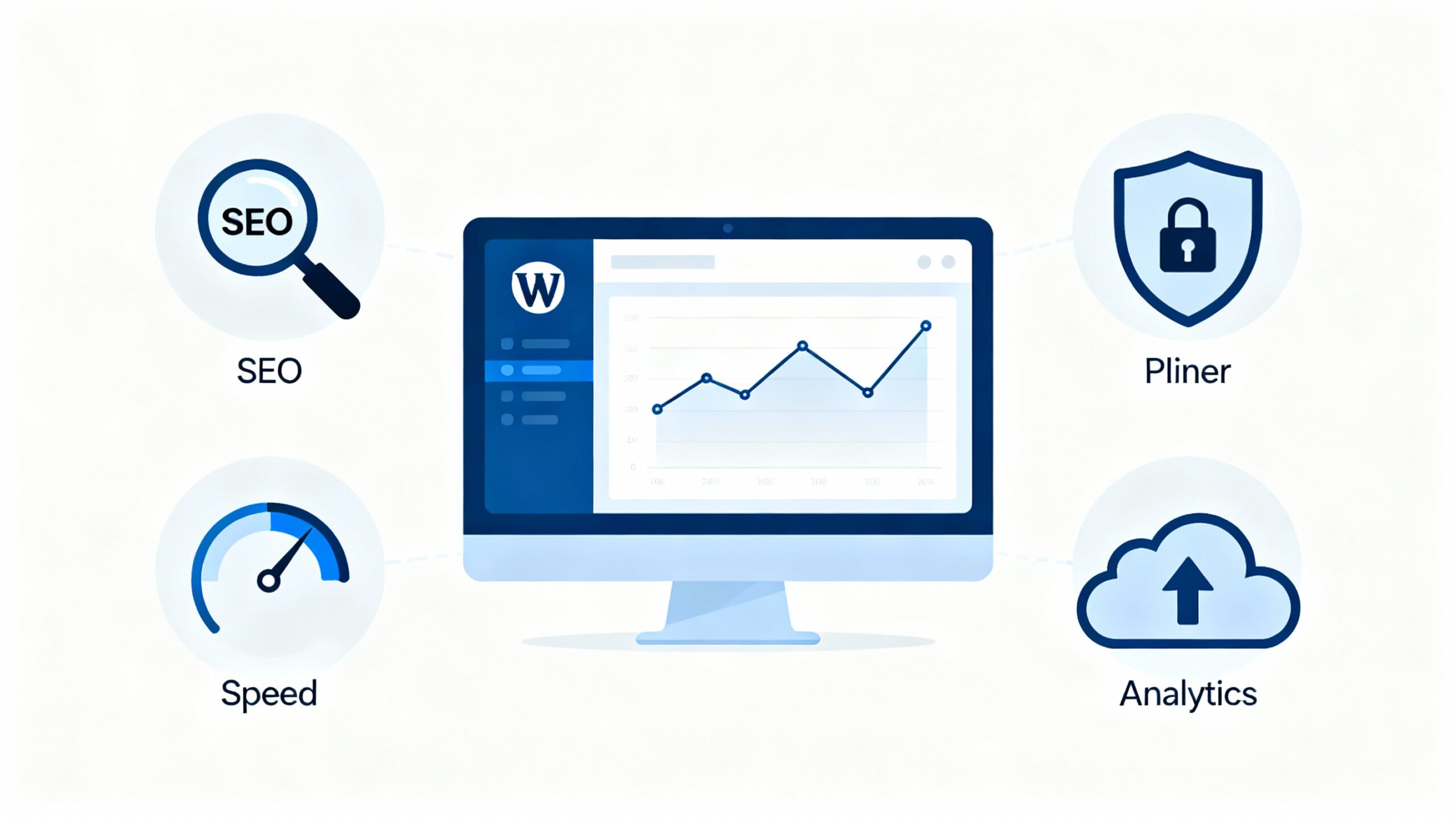
Maximizing WordPress with Essential Plugins
Maximizing WordPress with Essential Plugins
WordPress is powerful on its own, but its true strength lies in plugins. Plugins extend WordPress beyond basic functionality and allow you to customize your website to match your exact needs. From improving performance and security to boosting SEO and user experience, the right plugins can completely transform how your site works.
This guide explains how to maximize your WordPress website using essential plugins, what types of plugins you actually need, and how to use them wisely without slowing your site down.
Why Plugins Are Essential for WordPress
WordPress is designed to be flexible and lightweight. Plugins fill the gaps by adding features that are not included by default. Whether you want better search visibility, faster pages, or stronger security, plugins make it possible without custom development.
- Save time and development effort
- Add professional-grade features
- Improve performance and usability
- Help your site scale as it grows
Choosing Plugins the Right Way
Installing too many plugins can harm performance and stability. Quality matters more than quantity.
- Install plugins only when they solve a real problem
- Check if the plugin is actively maintained
- Review ratings, feedback, and support
- Prefer one multifunction plugin over many small ones
SEO Plugins for Better Search Visibility
SEO plugins help structure your content, manage metadata, and improve how search engines understand your website.
- Create SEO-friendly titles and descriptions
- Optimize content structure and readability
- Generate XML sitemaps
- Control indexing and crawl behavior
Performance and Caching Plugins
Website speed affects user experience, conversions, and search rankings. Performance plugins reduce load times and server strain.
- Page and browser caching
- File minification
- Image optimization
- Improved mobile performance
Security Plugins to Protect Your Website
Security plugins help protect your WordPress site from threats and unauthorized access.
- Block malicious login attempts
- Monitor file changes
- Scan for malware
- Enforce strong passwords
- Add firewall protection
Backup Plugins for Peace of Mind
Backup plugins ensure your site can be restored quickly if something goes wrong.
- Schedule automatic backups
- Store backups off-site
- Restore your site with minimal downtime
Plugins That Improve User Experience
User experience affects engagement and retention. Plugins can enhance usability without a full redesign.
- Improve forms and contact pages
- Enhance navigation menus
- Add accessibility features
- Optimize mobile usability
Analytics and Tracking Plugins
Analytics plugins help you understand how visitors interact with your site so you can improve performance and content.
- Track visitor behavior
- Measure page performance
- Identify popular content
- Monitor conversions and goals
E-Commerce and Business Plugins
Business websites rely on plugins to manage sales, customers, and automation.
- Sell products or services
- Manage payments and orders
- Automate workflows
- Improve conversions
Keeping Plugins Updated and Maintained
Regular maintenance ensures plugins remain secure and compatible.
- Update plugins regularly
- Remove unused or abandoned plugins
- Test major updates carefully
- Monitor performance after changes
Avoiding Plugin Overload
Too many plugins can slow down your website and cause conflicts.
- Use lightweight and well-supported plugins
- Avoid duplicate functionality
- Remove features that add no real value
Final Thoughts
Maximizing WordPress with essential plugins is about smart selection and regular maintenance. With the right plugins in place, your website becomes faster, safer, and more powerful without unnecessary complexity.

Leave a Reply