
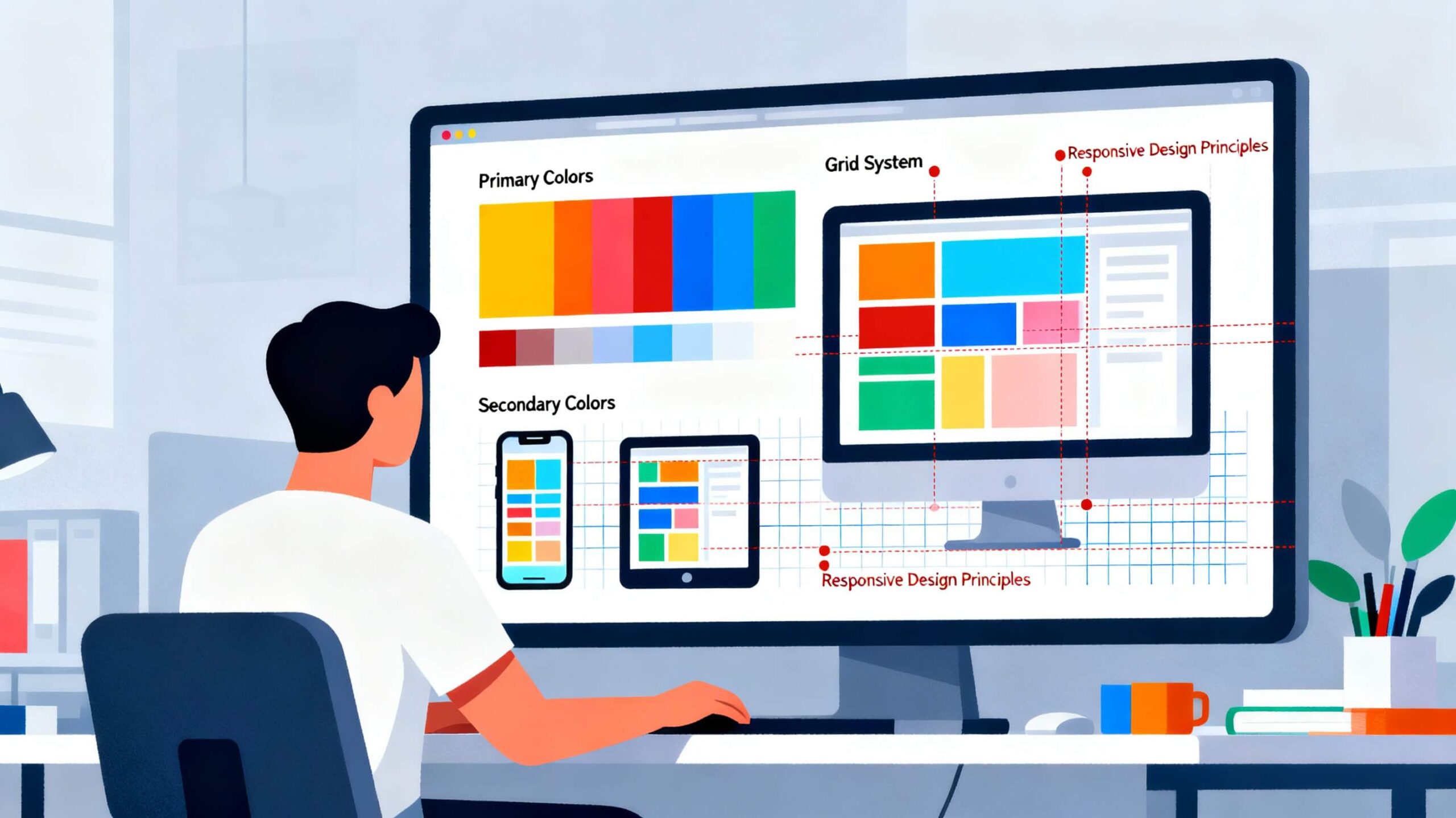
Master Website Design with Practical Tips
Mastering Website Design
Mastering website design starts with embracing simplicity and user-centric principles. Focus on creating a clean, uncluttered interface that prioritizes essential elements and guides visitors effortlessly through the site. Consistency in color schemes, typography, and layout fosters a professional and trustworthy look while enhancing user experience. Responsive design is essential to ensure your website works seamlessly across all devices, from desktops to smartphones, catering to the growing mobile audience. Clear navigation plays a critical role in usability. Intuitive menus, breadcrumbs, and search functionality help users find information quickly without frustration. Visual hierarchy directs attention to important content and call-to-action buttons through thoughtful use of size, color, and spacing. Fast load times improve engagement and SEO rankings. This can be achieved through optimized image sizes, reduced scripts, and clean, streamlined code. Accessibility is equally important. By following web accessibility standards, you ensure your site is usable for everyone, including people with disabilities.
Integrating SEO best practices directly into your design helps both users and search engines. Well-structured HTML, relevant keywords, and optimized meta tags and URLs improve visibility and usability at the same time.
Why Website Design Matters
Creating a well designed website is one of the most important steps in building a strong online presence. A great design does more than look attractive. It improves user experience,
boosts conversions, strengthens brand identity, and supports long-term SEO success.
Whether you are designing a new website or improving an existing one, mastering the fundamentals of website design leads to better performance and results.
Focus on a Clean and Modern Layout
A clean layout helps visitors understand your content quickly and navigate your site with ease. Avoid clutter and make effective use of white space to create a professional look.
- Use consistent spacing across all pages
- Avoid unnecessary decorations or heavy design elements
- Keep color schemes simple and brand-aligned
- Organize content into clear sections with proper headings
A structured layout builds trust and improves readability.
Make Mobile Responsiveness a Priority
More than half of website traffic comes from mobile devices. A responsive design ensures content looks good and functions properly on all screen sizes.
- Use fluid grids and flexible images
- Test layouts on different devices
- Make buttons easy to tap
- Avoid text that is too small on mobile screens
Mobile-friendly websites reduce bounce rates and improve overall user satisfaction.
Use High Quality Images and Visual Consistency
Visuals strongly influence how users perceive your website. High quality images enhance storytelling and support your brand message.
- Use sharp, high-resolution images
- Compress images to improve loading speed
- Maintain consistent colors, fonts, and icon styles
- Ensure visuals align with your brand identity
Improve Navigation for Better User Experience
Navigation should be simple and intuitive. Visitors should be able to move through your website without confusion.
- Use clear and descriptive menu labels
- Keep navigation menus organized and concise
- Add breadcrumbs to help users understand their location
- Include a search bar for content-heavy sites
Pay Attention to Typography
Typography affects readability and brand perception. Well-chosen fonts make content easier to consume and visually appealing.
- Use no more than two or three fonts
- Select fonts that match your brand personality
- Maintain proper line height and spacing
- Ensure strong contrast between text and background
Optimize Website Speed for Better Performance
Fast-loading websites provide a better user experience and rank higher in search engines.
- Compress and resize images
- Enable caching
- Minimize CSS and JavaScript files
- Choose reliable web hosting
- Use a content delivery network when necessary
Keep Design Consistent Across All Pages
Consistency creates a professional and trustworthy appearance.
- Use the same header and footer on all pages
- Maintain consistent colors and fonts
- Keep spacing and alignment uniform
- Use consistent call-to-action styles
Create Strong Calls to Action
Calls to action guide users toward the next step and improve conversions.
- Use clear, action-focused language
- Make buttons visually distinct
- Place CTAs where users naturally look
- Test different CTA versions
Test and Improve Continuously
Website design is an ongoing process. Regular testing helps identify improvements.
- Page layouts and structure
- Navigation flow
- Button placement
- Loading speed
- Form usability
Use analytics tools to track user behavior and refine your design over time.
Final Thoughts
Mastering website design combines creativity, usability, performance, and consistency. A well designed website focuses on clarity, speed, and user needs.
By applying these practical design tips, you can create websites that look great, perform efficiently, and support long-term growth. Start with small improvements and refine your design step by step to turn your website into a powerful digital asset.

Leave a Reply