
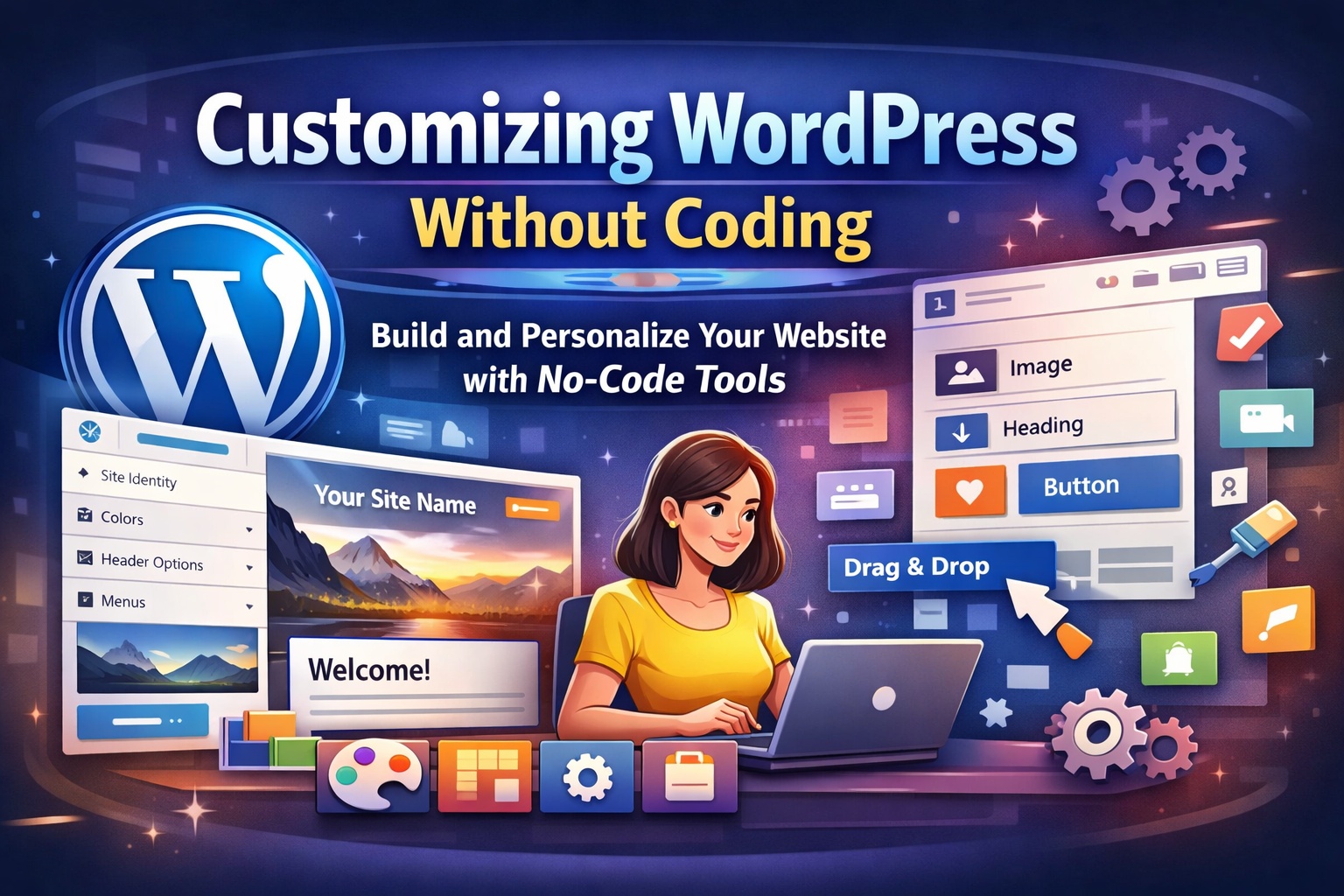
Customizing WordPress Without Coding
Customizing a website no longer requires technical expertise or hours of coding. With WordPress, anyone can design, manage, and personalize a professional website using built-in tools and user-friendly plugins. Whether you are a business owner, blogger, or entrepreneur, WordPress empowers you to create a unique online presence without touching a single line of code.
This guide explains practical, no-code methods to customize WordPress effectively while maintaining performance, usability, and scalability.
Understanding No-Code Customization in WordPress
No-code customization refers to modifying the design, layout, and functionality of a website using visual tools instead of programming languages like HTML, CSS, or PHP. WordPress is designed with flexibility in mind, offering intuitive interfaces that allow users to control almost every aspect of their site visually.
From changing fonts and colors to adding advanced features such as contact forms or sliders, no-code solutions make WordPress accessible to everyone.
Using the WordPress Theme Customizer
The WordPress Theme Customizer is one of the easiest ways to personalize your website. It allows you to see real-time previews of changes before publishing them.
With the Theme Customizer, you can:
- Update your site logo, title, and tagline
- Adjust color schemes and typography
- Modify header, footer, and layout settings
- Configure menus and widgets
These options vary depending on the theme you choose, but most modern themes provide extensive customization controls.
Customizing Layouts with the Block Editor
The WordPress Block Editor, commonly known as Gutenberg, enables users to design pages and posts using content blocks. Each block represents a specific element, such as text, images, buttons, or videos.
Using the block editor, you can:
- Reorder sections using drag-and-drop
- Customize spacing, alignment, and background colors
- Create multi-column layouts easily
- Reuse blocks across multiple pages
This approach gives complete control over content presentation without requiring design or development skills.
Enhancing Design with Page Builder Plugins
Page builder plugins offer advanced visual editing capabilities beyond the default editor. These tools allow you to create complex layouts using a simple drag-and-drop interface.
Key advantages include:
- Pre-designed templates for faster page creation
- Advanced styling options such as animations and overlays
- Responsive design controls for mobile and tablet views
- Live front-end editing
Page builders are ideal for users who want greater creative freedom without coding.
Adding Features with Plugins
Plugins are the backbone of WordPress customization. They allow you to extend your website’s functionality with just a few clicks.
Popular no-code plugin use cases include:
- Creating contact forms and lead capture pages
- Adding SEO optimization tools
- Integrating social media and analytics
- Improving website speed and security
- Setting up eCommerce functionality
Most plugins come with simple dashboards and settings panels that guide users through setup and configuration.
Managing Menus and Navigation
Navigation plays a crucial role in user experience. WordPress provides an intuitive menu management system where you can create, edit, and organize menus visually.
You can:
- Add pages, posts, or custom links to menus
- Create dropdown and multi-level menus
- Assign menus to different site locations
- Reorder items using drag-and-drop
Clear navigation improves usability and helps visitors find information quickly.
Customizing Widgets and Sidebars
Widgets allow you to add dynamic elements to sidebars, footers, and other widget-ready areas.
Common widget uses include:
- Displaying recent posts or categories
- Adding search bars and social icons
- Showing contact details or business hours
- Embedding newsletters or promotional banners
Widgets can be managed visually, making them perfect for non-technical users.
Personalizing Fonts and Colors
Brand consistency is essential for credibility. WordPress themes and plugins often provide built-in typography and color controls.
With no-code tools, you can:
- Choose custom fonts for headings and body text
- Adjust font sizes and line spacing
- Apply brand colors across buttons, links, and backgrounds
- Preview changes instantly
These options help align your website design with your brand identity.
Using Starter Templates and Demo Content
Many WordPress themes include starter templates or demo layouts. These templates are professionally designed and can be imported with one click.
Benefits of using templates:
- Faster website setup
- Professionally structured layouts
- Easy customization by replacing text and images
- Reduced design effort
Templates are especially useful for beginners who want a polished look quickly.
Ensuring Mobile-Friendly Customization
Modern WordPress tools allow you to preview and adjust your website for different devices. You can fine-tune layouts, font sizes, and spacing specifically for mobile and tablet users.
A mobile-responsive site improves user experience, enhances search engine visibility, and increases engagement and conversions.
Maintaining Performance While Customizing
While customization is important, performance should not be overlooked. Using too many heavy plugins or excessive design elements can slow down your site.
Best practices include:
- Choosing lightweight themes and plugins
- Limiting unnecessary animations
- Regularly updating themes and plugins
- Monitoring site speed and performance
Balanced customization ensures both aesthetics and efficiency.
Conclusion
Customizing WordPress without coding is not only possible but highly effective. With built-in tools, visual editors, and plugins, you can create a professional, feature-rich website that reflects your brand and goals. By leveraging these no-code options wisely, you maintain full control over your site while avoiding technical complexity.
WordPress empowers users of all skill levels to build, customize, and grow their online presence with confidence and ease.

Leave a Reply