
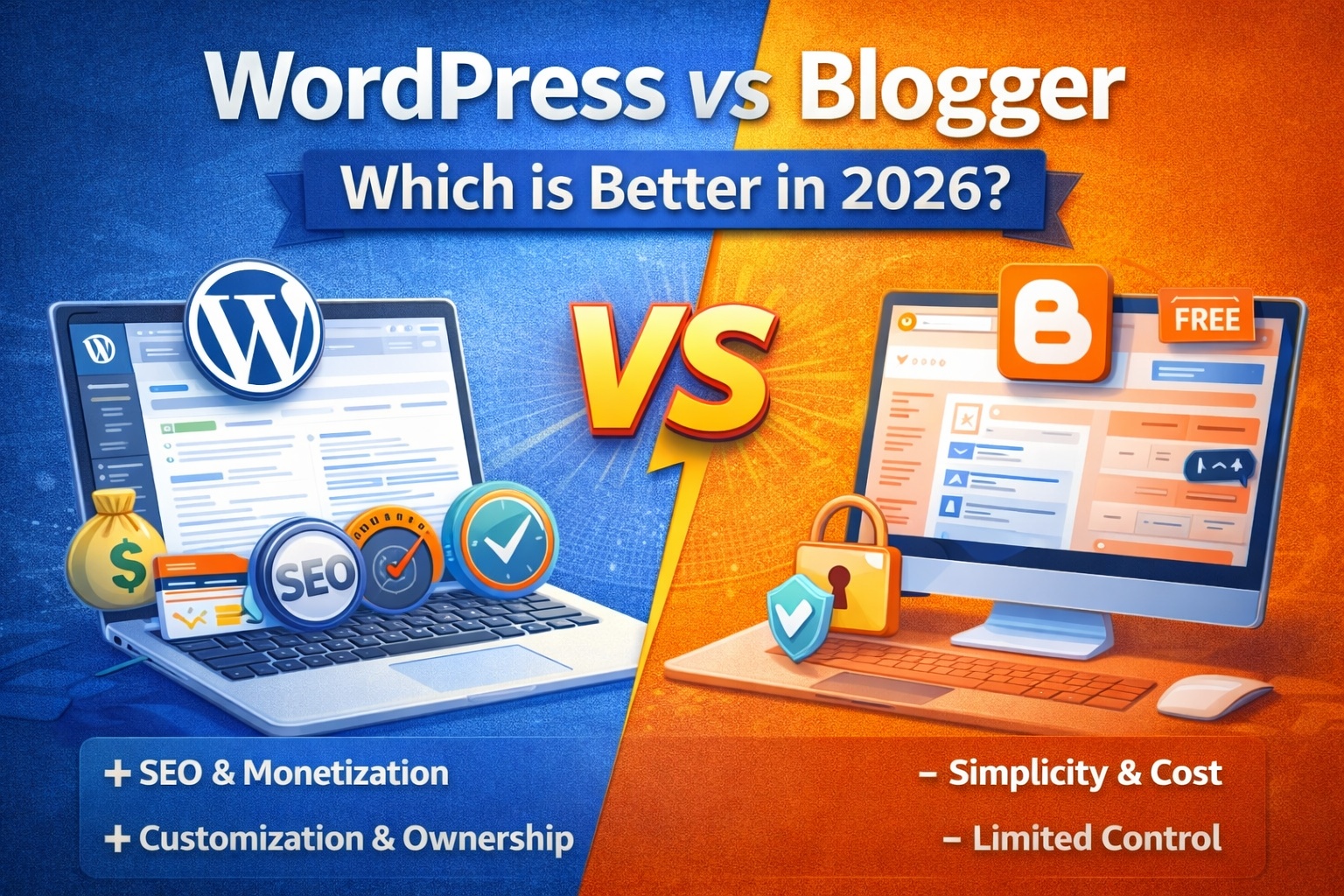
WordPress vs Blogger – Which is Better in 2026?
Quick Overview
Before diving deep, here’s a simple summary:
- Blogger is free, simple, and owned by Google.
- WordPress (self-hosted) gives full control, customization, and unlimited growth potential.
If you’re serious about blogging as a business in 2026, the differences matter more than ever.
1. Ease of Use
Blogger
Blogger is beginner-friendly. You just need a Google account to start. Hosting is free, setup is instant, and you don’t need technical knowledge.
The dashboard is simple and clean. You can write posts and publish them within minutes.
However, customization options are limited.
WordPress
WordPress requires:
- A domain name
- Web hosting
- Installation setup
It may feel slightly technical at first, but most hosting providers now offer one-click WordPress installation.
Once set up, WordPress becomes extremely flexible and powerful.
Winner for beginners: Blogger
Winner for long-term growth: WordPress
2. Customization & Design
Blogger
Blogger offers limited themes and customization. You can modify layouts, but advanced design changes require coding knowledge (HTML/CSS).
Modern, professional-looking themes are limited compared to WordPress.
WordPress
WordPress offers:
- Thousands of free and premium themes
- Drag-and-drop page builders
- Full design control
- Custom plugins
In 2026, website design plays a huge role in user experience and branding. WordPress clearly offers more flexibility.
Winner: WordPress
3. Ownership & Control
This is one of the most important factors.
Blogger
Blogger is owned by Google. That means:
- Google controls the platform
- Your blog can be suspended
- You rely on Google’s policies
You don’t have full ownership.
WordPress
With self-hosted WordPress:
- You own your website
- You control your content
- No third-party platform controls your blog
In 2026, owning your digital asset is critical.
Winner: WordPress
4. SEO Capabilities
Blogger
Blogger has basic SEO features:
- Custom permalinks
- Meta descriptions
- Search Console integration
But advanced SEO control is limited.
WordPress
WordPress offers powerful SEO options:
- Full URL structure control
- Advanced meta settings
- Schema markup
- Speed optimization flexibility
- Plugin support (if needed)
In a competitive SEO environment in 2026, WordPress gives you better ranking potential.
Winner: WordPress
5. Monetization Options
If your goal is to make money online, this section is important.
Blogger
You can monetize with:
- Google AdSense
- Affiliate marketing
- Sponsored posts
But there are limitations in flexibility and control.
WordPress
With WordPress, you can:
- Run ads (AdSense, Mediavine, etc.)
- Create online courses
- Sell digital products
- Start eCommerce stores
- Offer memberships
- Run affiliate marketing
WordPress supports unlimited monetization methods.
Winner: WordPress
6. Security & Maintenance
Blogger
Since Google manages Blogger:
- Security is handled by Google
- Hosting is maintained automatically
- No technical maintenance required
It’s very safe for beginners.
WordPress
With WordPress:
- You manage updates
- You manage security
- You handle backups
However, good hosting makes maintenance easy in 2026.
Winner for simplicity: Blogger
Winner for control: WordPress
7. Performance & Speed
Blogger
Blogger hosting is optimized by Google. It loads fast without much effort.
WordPress
WordPress speed depends on:
- Hosting quality
- Theme optimization
- Image compression
- Server settings
With proper setup, WordPress can be extremely fast.
Result: Both can perform well, but WordPress gives more optimization control.
8. Scalability in 2026
Think long term.
Blogger
Best for:
- Hobby blogs
- Personal journals
- Simple content websites
Not ideal for:
- Large businesses
- Membership sites
- eCommerce
WordPress
Perfect for:
- Professional blogs
- Business websites
- Online stores
- News portals
- SaaS landing pages
WordPress powers over 40% of websites worldwide for a reason.
Winner: WordPress
Pros and Cons Summary
Blogger Pros
- Free hosting
- Easy setup
- No maintenance
- Google-backed infrastructure
Blogger Cons
- Limited customization
- Limited SEO control
- No full ownership
- Hard to scale
WordPress Pros
- Full ownership
- Unlimited customization
- Better SEO control
- Powerful monetization
- Scalable for business
WordPress Cons
- Requires hosting cost
- Slight learning curve
- Needs maintenance
So, Which is Better in 2026?
If you are:
- Testing blogging for fun → Blogger is fine
- Planning to build a long-term online business → WordPress is better
In 2026, competition is high. SEO is advanced. Branding matters. Monetization opportunities are expanding.
WordPress gives you the flexibility and control required to grow seriously.
Final Verdict
Blogger is good for beginners who want something simple and free.
But if you’re serious about blogging, affiliate marketing, digital products, or building a long-term online income stream, WordPress is the smarter choice.
Your website is a digital asset. Choose the platform that gives you control, growth potential, and future flexibility.
In most cases, WordPress wins in 2026.

Leave a Reply