
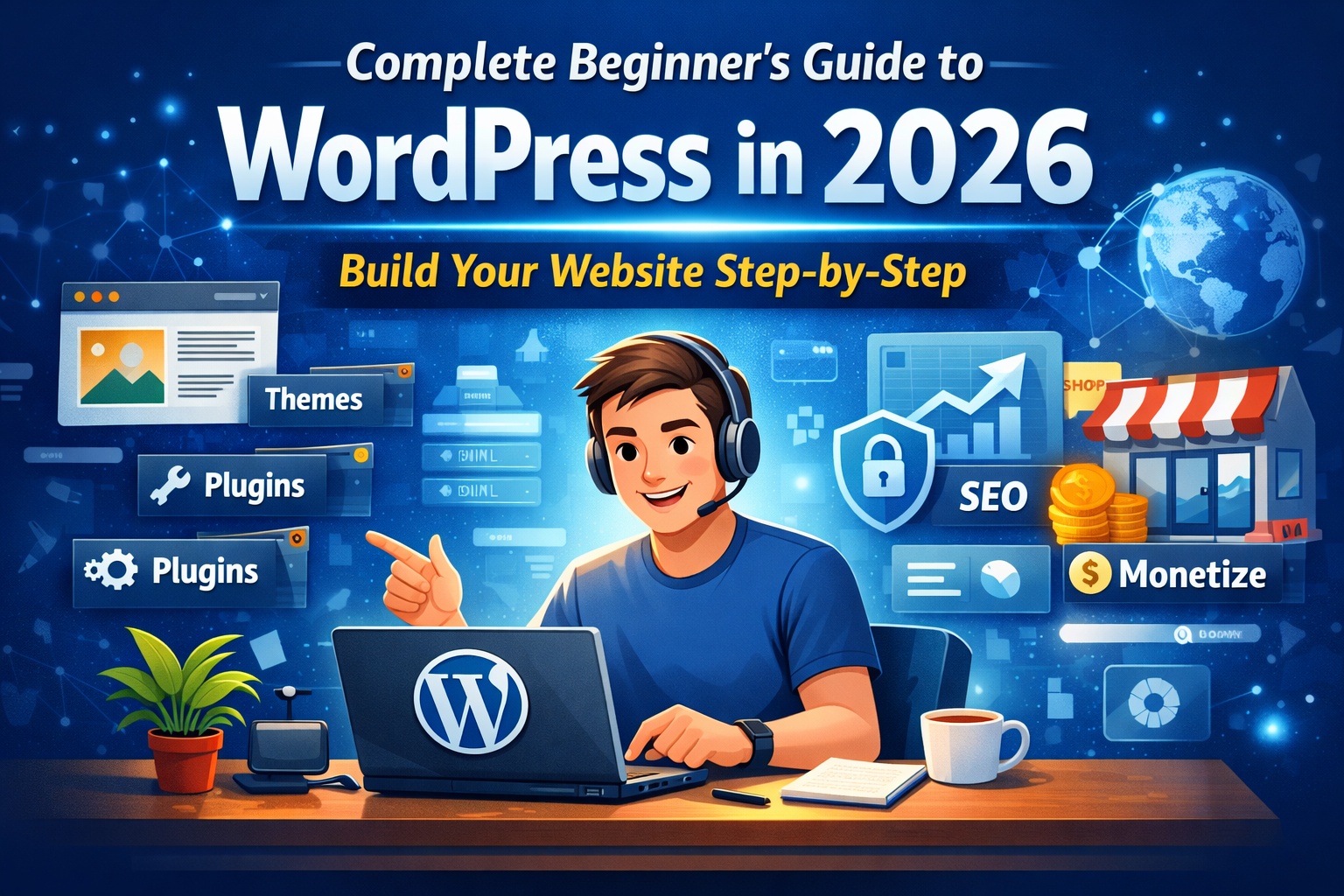
Complete Beginner’s Guide to WordPress in 2026
If you are planning to build a website in 2026, WordPress is still one of the smartest choices you can make. It is powerful, flexible, beginner-friendly, and trusted by millions of website owners around the world. Whether you want to start a blog, create a business website, launch an online store, or build a personal portfolio, WordPress gives you full control without needing advanced technical skills.
This guide is written in simple, practical language so that even a complete beginner can understand and start confidently.
What is WordPress?
WordPress is an open-source Content Management System (CMS). In simple terms, it is a tool that helps you create and manage a website without writing code from scratch.
Today, WordPress powers more than 40% of websites on the internet. From small personal blogs to large business websites, it is used by beginners and professionals alike.
With WordPress, you can:
- Create a blog
- Build a company website
- Launch an eCommerce store
- Create a portfolio
- Offer online courses
- Start a membership site
The best part? You don’t need to be a developer to use it.
WordPress.org vs WordPress.com – Know the Difference
Many beginners get confused between these two versions.
WordPress.org (Self-Hosted)
- You need your own hosting and domain
- Full control over design and features
- Install custom themes and plugins
- Best for business and long-term growth
WordPress.com (Hosted)
- Limited features in free version
- Less control over customization
- Suitable for hobby blogging
If you are serious about growth, monetization, and branding, WordPress.org is strongly recommended.
Why Choose WordPress in 2026?
Even with many website builders available, WordPress continues to dominate. Here’s why:
1. Beginner-Friendly Interface
The block editor makes it easy to create pages and posts using drag-and-drop style elements.
2. Thousands of Themes
Themes control the design of your website. You can choose from free or premium themes and change your design anytime.
3. Powerful Plugins
Plugins add extra functionality such as SEO tools, contact forms, speed optimization, security features, and more.
4. SEO Ready
WordPress is built with clean code and works perfectly with search engine optimization tools.
5. Flexible and Scalable
You can start small and expand your website as your traffic and business grow.
What You Need to Start a WordPress Website
Before installing WordPress, you need two basic things:
1. Domain Name
This is your website address (for example: yourwebsite.com).
2. Web Hosting
Hosting is where your website files are stored online.
Some beginner-friendly hosting providers include:
- Hostinger
- Bluehost
- SiteGround
Choose reliable hosting for better speed and security.
Step-by-Step: How to Install WordPress
Most hosting companies offer one-click installation.
- Buy Hosting and Domain
- Log in to Hosting Dashboard
- Click on “Install WordPress”
- Create Admin Login Details
- Visit yourwebsite.com/wp-admin
Congratulations! Your website is now live.
Understanding the WordPress Dashboard
Once you log in, you will see the admin panel. Important sections include:
- Posts – Create blog articles
- Pages – Add static pages like About or Contact
- Media – Upload images and files
- Appearance – Customize themes and design
- Plugins – Install extra features
- Settings – Configure site options
Take some time to explore and understand these sections.
Choosing the Right Theme
Your theme controls how your website looks.
To install a theme:
Appearance → Themes → Add New
Look for a theme that is:
- Lightweight
- Mobile responsive
- SEO friendly
- Easy to customize
A simple design usually performs better than a complicated one.
Essential Plugins for Beginners
Plugins make WordPress powerful. However, avoid installing too many.
Recommended plugins:
- SEO plugin (like Yoast SEO or Rank Math)
- Security plugin
- Caching plugin for speed
- Backup plugin
- Contact form plugin
Keep your plugins updated regularly.
Creating Your First Blog Post
- Go to Posts → Add New
- Add a clear title
- Write helpful content
- Use headings (H2, H3)
- Add images
- Click Publish
Make sure your content is original and valuable.
Important Pages Every Website Needs
- Home Page
- About Us
- Contact Page
- Privacy Policy
- Disclaimer
These pages are essential, especially if you plan to monetize your website.
Basic SEO for Beginners
Search Engine Optimization (SEO) helps your website appear on Google.
Simple SEO Checklist:
- Install an SEO plugin
- Use keywords naturally
- Write proper meta titles and descriptions
- Optimize images
- Add internal links
- Improve website speed
Consistency in publishing high-quality content is the key to ranking.
How to Secure Your WordPress Website
- Use strong passwords
- Keep WordPress, themes, and plugins updated
- Install a security plugin
- Enable SSL certificate
- Take regular backups
A secure website protects your data and visitors.
How to Improve Website Speed
- Use a lightweight theme
- Compress images
- Use caching plugin
- Choose quality hosting
- Remove unused plugins
A faster website keeps visitors engaged.
How to Make Money with WordPress
- Google AdSense
- Affiliate marketing
- Sponsored posts
- Selling digital products
- Offering online services
- Creating online courses
WordPress gives you unlimited earning potential if you stay consistent.
Common Beginner Mistakes to Avoid
- Choosing very cheap hosting
- Installing too many plugins
- Ignoring SEO
- Not taking backups
- Copying content
Focus on long-term growth instead of shortcuts.
The Future of WordPress in 2026
- Better block editor features
- AI integrations
- Improved performance
- Stronger security
It remains one of the most reliable and future-proof website platforms available.
Final Thoughts
Starting a WordPress website in 2026 is a smart decision if you want to build your online presence. It is beginner-friendly yet powerful enough for advanced users.
Remember:
- Start simple
- Learn step by step
- Publish consistently
- Focus on providing value
If you stay patient and committed, your WordPress website can grow into a successful and profitable digital asset.

Leave a Reply