
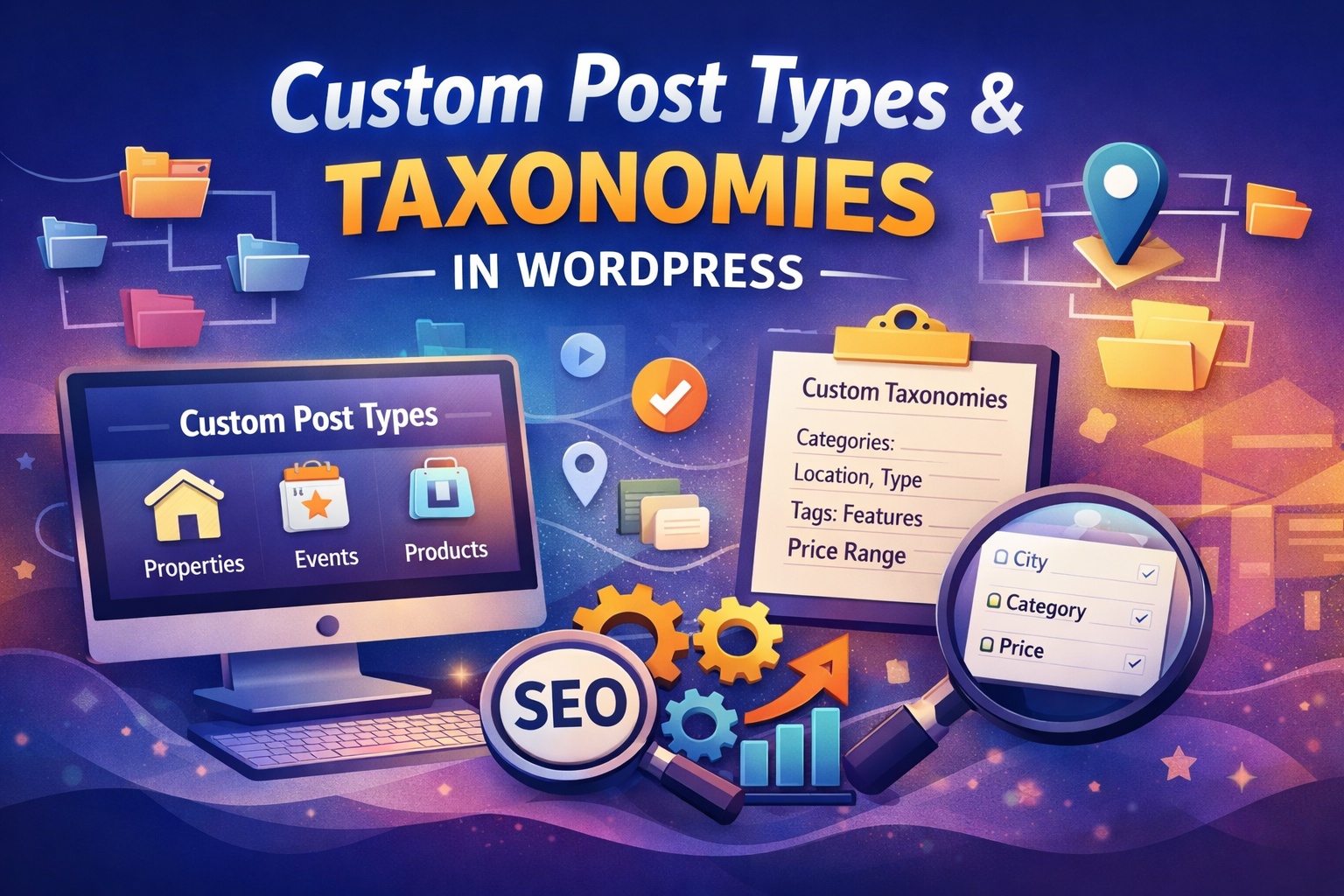
Custom Post Types and Taxonomies
WordPress is widely known for its flexibility. While it started as a blogging platform, it has evolved into a powerful content management system capable of running business websites, portfolios, eCommerce stores, directories, learning platforms, and more. One of the key features that makes this flexibility possible is Custom Post Types and Taxonomies.
If you want to move beyond basic blog posts and pages, understanding custom post types and taxonomies will allow you to structure your content in a more organized, scalable, and professional way.
Understanding Post Types in WordPress
By default, WordPress includes several built-in post types:
- Posts
- Pages
- Attachments
- Revisions
- Navigation Menus
These are suitable for standard websites. However, many modern websites require more specialized content structures. For example:
- A real estate website needs property listings.
- A portfolio site needs projects.
- A company website may need testimonials or case studies.
- An online learning platform needs courses and lessons.
This is where Custom Post Types (CPTs) come into play.
What Are Custom Post Types?
A Custom Post Type is a content type that you define yourself. It behaves like posts and pages but is designed for a specific purpose.
For example, instead of adding properties as regular blog posts, you can create a custom post type called:
- Properties
- Products
- Events
- Team Members
- Testimonials
Each of these can have its own structure, categories, and display settings.
Why Use Custom Post Types?
- Better content organization
- Cleaner admin dashboard
- Improved user experience
- Easier content management
- Scalable website structure
Instead of mixing everything under “Posts,” you create dedicated sections for each content type.
What Are Taxonomies?
Taxonomies are used to group and organize content.
WordPress comes with two default taxonomies:
- Categories
- Tags
However, when you create custom post types, you often need custom ways to organize them. That is where Custom Taxonomies are useful.
For example:
If you create a “Properties” custom post type, you might want taxonomies such as:
- Property Type (Apartment, Villa, Office)
- Location (Delhi, Mumbai, Bangalore)
- Price Range
These taxonomies help filter and categorize content more effectively.
Types of Custom Taxonomies
There are two main types of taxonomies:
1. Hierarchical Taxonomies
Similar to Categories. They allow parent-child relationships.
Example:
- Property Type
- Residential
- Commercial
2. Non-Hierarchical Taxonomies
Similar to Tags. They do not have parent-child structure.
Example:
- Amenities (Pool, Parking, Garden)
How Custom Post Types and Taxonomies Work Together
Custom post types define what the content is, while taxonomies define how the content is grouped.
For example:
- Post Type: Events
- Taxonomy: Event Type (Workshop, Webinar, Conference)
- Taxonomy: Location
This structure allows users to filter events easily and improves overall website navigation.
Creating Custom Post Types
There are two main ways to create custom post types:
1. Using a Plugin (Recommended for Beginners)
Popular plugins include:
- Custom Post Type UI
- Advanced Custom Fields
- Toolset
These allow you to create post types and taxonomies without writing code.
2. Using Code
Developers can register custom post types using the register_post_type() function inside the theme’s functions.php file or a custom plugin.
This approach provides full control over:
- Labels
- Icons
- Visibility
- Permalinks
- Support for features (editor, thumbnail, custom fields, etc.)
For professional projects, creating a custom plugin is generally recommended to avoid losing functionality when changing themes.
Benefits for SEO
Custom post types improve SEO by:
- Creating clean and logical URL structures
- Enabling better content grouping
- Improving internal linking
- Enhancing user navigation
For example:
yourwebsite.com/properties/luxury-villa
This structure is clear and keyword-friendly.
Practical Use Cases
Here are common real-world examples:
Business Website
- Post Type: Services
- Taxonomy: Service Category
Portfolio Website
- Post Type: Projects
- Taxonomy: Industry
Educational Website
- Post Type: Courses
- Taxonomy: Course Level
eCommerce (Powered by WooCommerce)
- Post Type: Products
- Taxonomy: Product Categories
Best Practices
To make the most of custom post types and taxonomies:
- Use meaningful names
- Keep structure simple
- Avoid creating too many taxonomies
- Maintain consistent URL structure
- Use custom templates for display
- Ensure proper SEO optimization
Planning your content structure before development saves time and prevents confusion later.
Final Thoughts
Custom Post Types and Taxonomies are powerful tools that transform WordPress from a simple blogging platform into a complete content management system. They allow you to structure your website professionally, improve user experience, and maintain better organization as your site grows.
Whether you are building a business website, portfolio, learning platform, or directory, mastering custom post types and taxonomies will give you full control over your content architecture and long-term scalability.
By implementing them correctly, you create a clean, organized, and future-ready WordPress website that can expand without limitations.

Leave a Reply