
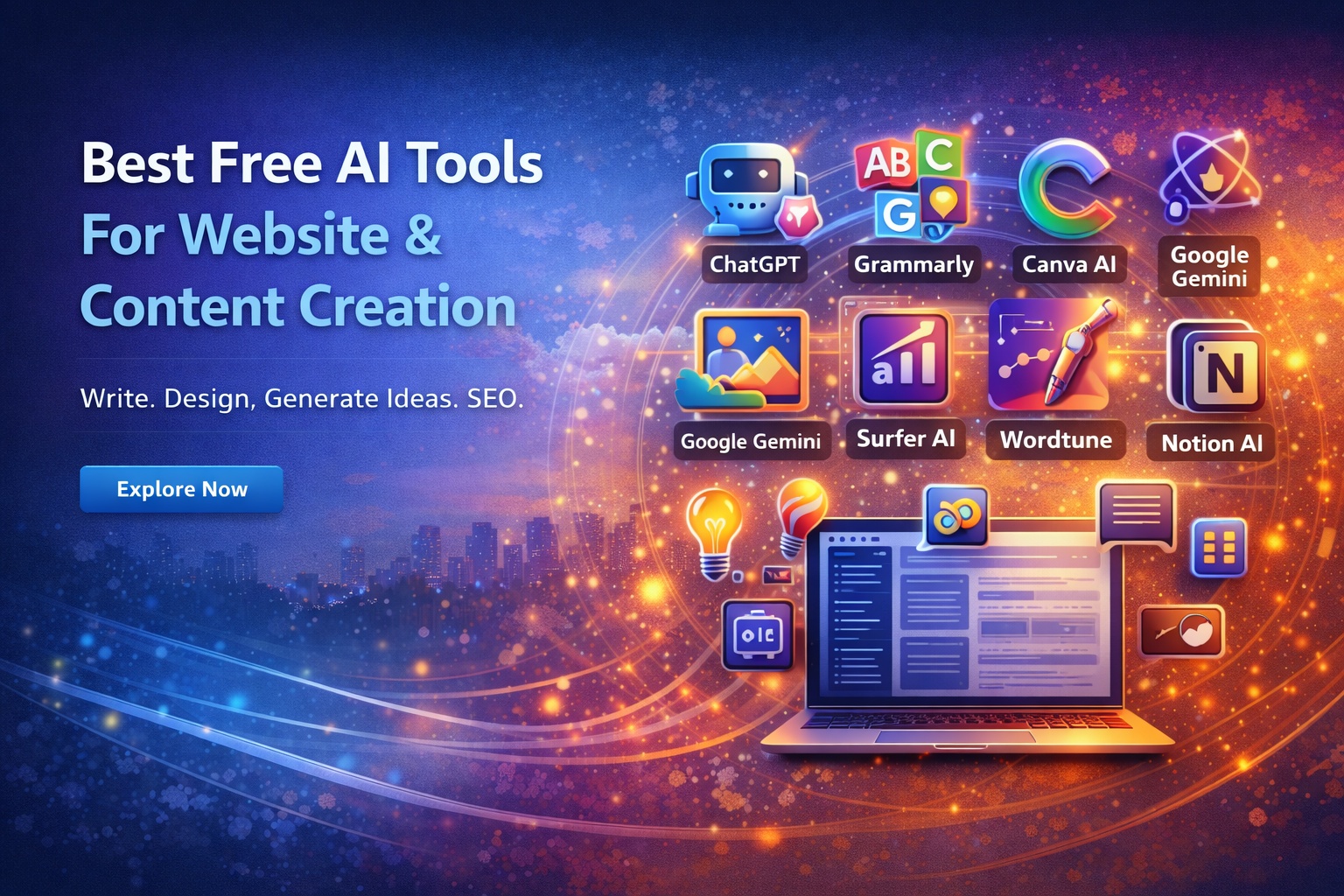
Best Free AI Tools for Website & Content Creation
Whether you’re a blogger, business owner, designer, or digital marketer, using the right AI tools can save time, improve quality, and help you stay consistent online — without increasing your budget.
Below is a hand-picked list of powerful free AI tools that can support website creation, blogging, copywriting, SEO, and more.
Why Use AI Tools for Websites and Content?
- Generate fresh content ideas
- Write blogs, product descriptions, and ads
- Improve grammar and readability
- Design graphics and banners
- Optimize pages for SEO
- Manage social media content
- Speed up website development
The goal isn’t to replace creativity — but to support and enhance your work.
Top Free AI Tools You Should Try
1. ChatGPT
Best for: Content writing, ideas, rewriting, and brainstorming.
ChatGPT helps you write articles, emails, product descriptions, social posts, and more — quickly and clearly. It can also rewrite content in different tones and simplify complex topics.
2. Grammarly
Best for: Proofreading and grammar improvement.
Grammarly uses AI to correct mistakes, improve readability, and suggest better sentence structures. It’s perfect for polishing blog posts, pages, and emails.
3. Canva AI
Best for: Graphics, banners, and social media creative.
Canva includes AI tools for generating designs, resizing images, and creating eye-catching visuals. It works great for hero banners, blog images, and marketing graphics.
4. Google Gemini (formerly Bard)
Best for: Research and idea generation.
Gemini helps gather information, summarize topics, and generate outlines. It’s useful when you’re planning content or learning new subjects.
5. DALL-E / Free AI Image Generators
Best for: Creating unique images and illustrations.
AI image tools help design banners, diagrams, thumbnails, and custom visuals — without needing design skills.
6. Surfer AI (Free trial)
Best for: SEO-optimized content ideas.
Surfer AI suggests keywords, structure, and headings that help your content rank better on search engines.
7. Wordtune
Best for: Rewriting and improving sentences.
Wordtune rewrites content to make it clearer, more engaging, or more professional. It’s great when you want to refine your text.
8. Notion AI
Best for: Organizing ideas and content planning.
Notion AI can generate notes, summaries, to-do lists, and content drafts — helping you manage blog and website workflows smoothly.
Tips for Using AI Tools Effectively
- Always review and edit AI-generated content.
- Add your personal style, examples, and insights.
- Avoid copying full AI text without making changes.
- Use AI as a helper — not a replacement for creativity.
Human input always makes content more authentic and trustworthy.
Final Thoughts
AI tools have become powerful assistants for anyone managing websites, blogs, or digital content. With the right combination, you can save time, improve quality, and stay consistent — even if you work alone.
Start with a few tools, experiment, and gradually build your workflow. Over time, you’ll discover how AI can make your online work smarter, faster, and more effective — without costing a fortune.


1 comment so far