
How to Create Images Using AI for Free
In today’s digital world, visuals are more powerful than ever. Whether you run a blog, manage social media pages, create YouTube thumbnails, or design marketing materials, high-quality images are essential. The good news? You no longer need expensive software or professional design skills. With AI image generators, you can create stunning visuals for free in just minutes.
In this complete guide, you’ll learn how to create images using AI for free, step by step — along with practical examples you can use immediately.
What Is AI Image Generation?
AI image generation uses artificial intelligence to create visuals from text descriptions (called prompts). You simply describe what you want, and the AI turns your words into an image.
For example, if you type:
“A modern office workspace with a laptop, coffee mug, indoor plants, and warm sunlight coming through the window”
The AI will generate a realistic image based on that description.
This technology saves time, money, and effort — especially for bloggers, digital marketers, students, and small business owners.
Best Free AI Image Generator Tools
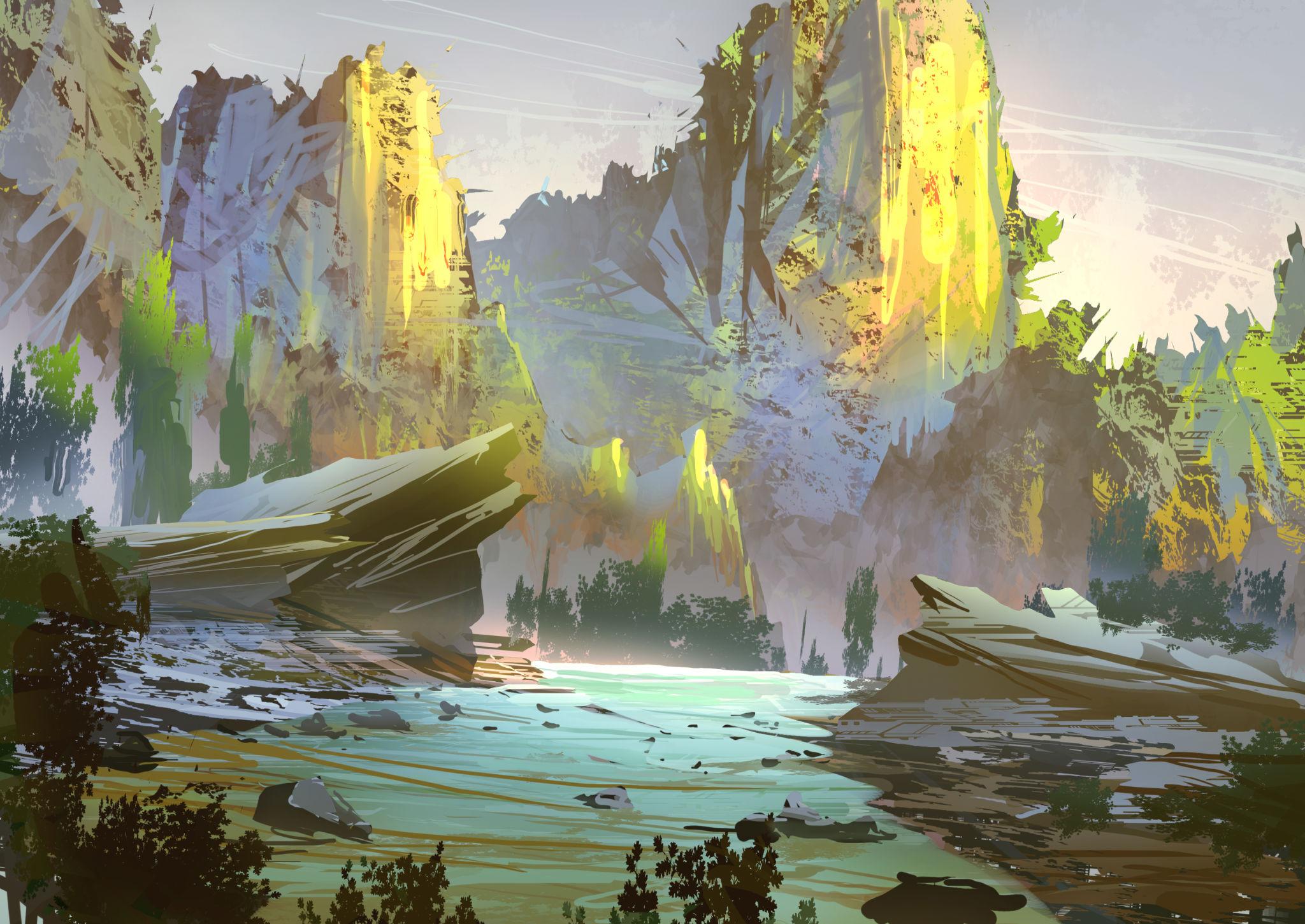
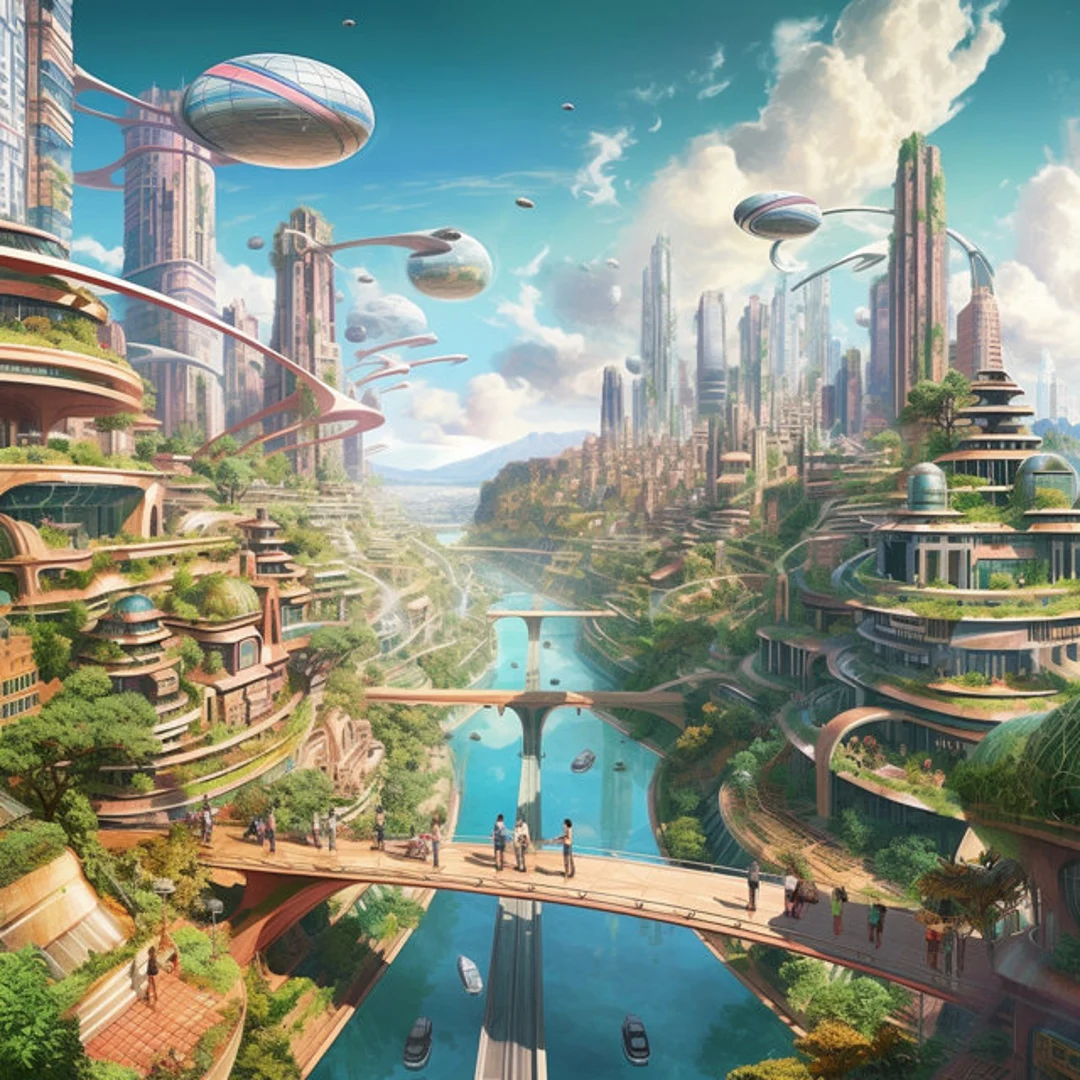
Here are some popular platforms you can use without paying:
1. DALL·E
DALL·E allows you to generate creative, realistic, and artistic images from text prompts. It works well for:
- Blog featured images
- Website banners
- Social media posts
- Creative illustrations
It understands detailed prompts and produces highly refined visuals.
2. Canva (Free Plan)
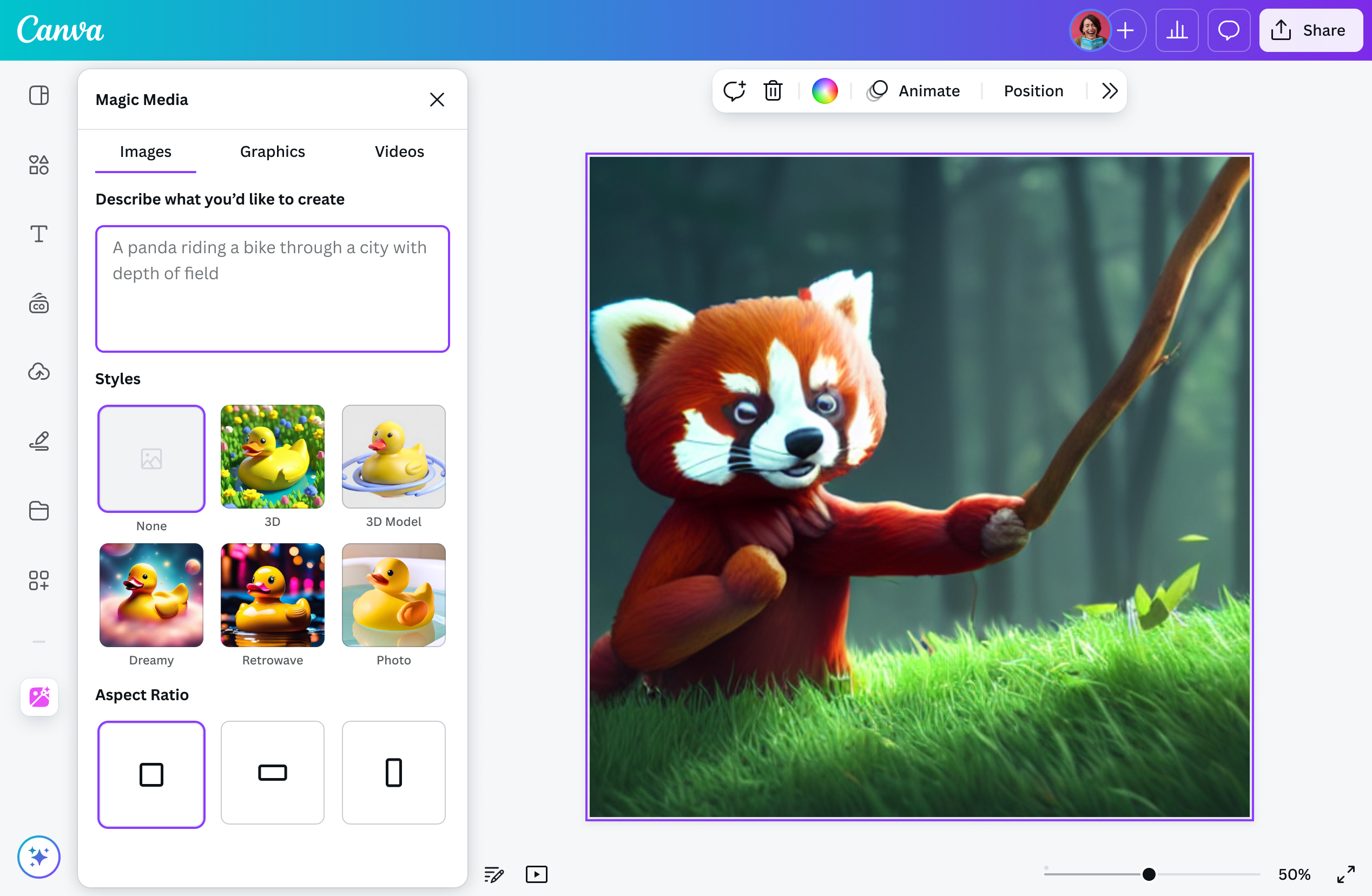
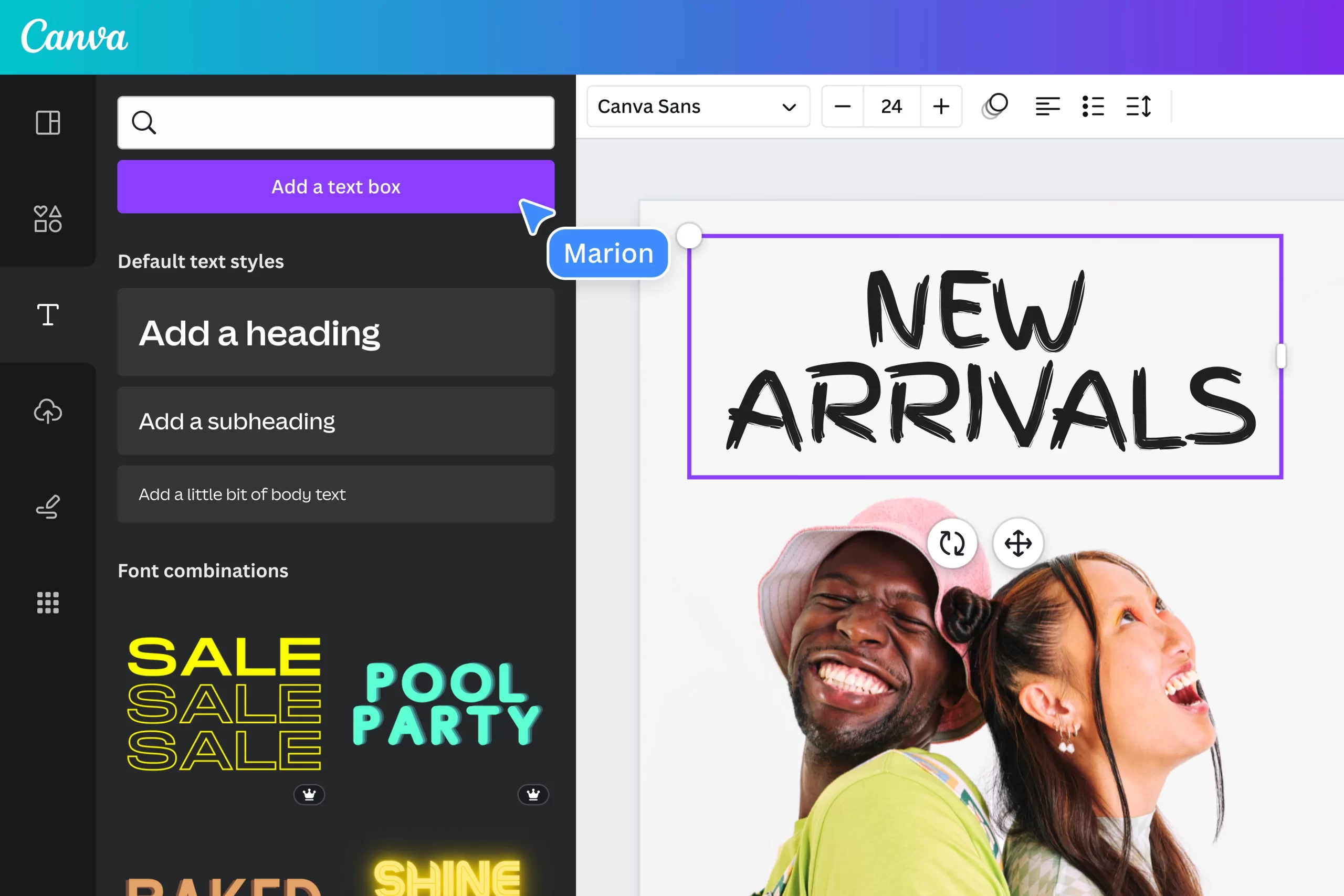
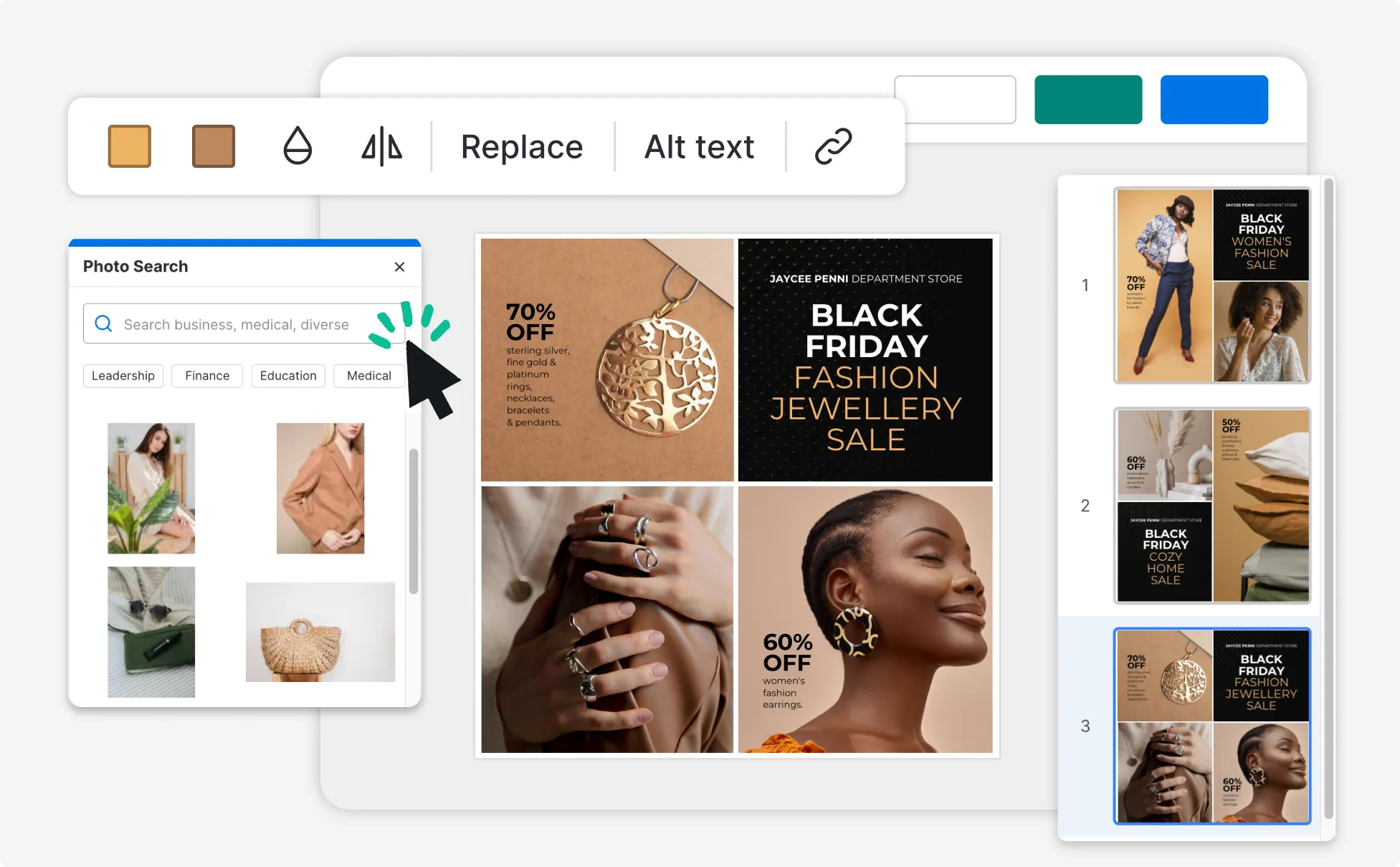
Canva includes a built-in AI image generator in its free plan. It’s perfect for:
- Instagram posts
- YouTube thumbnails
- Posters
- Marketing creatives
You can generate the image and edit it instantly inside Canva.
3. Leonardo AI
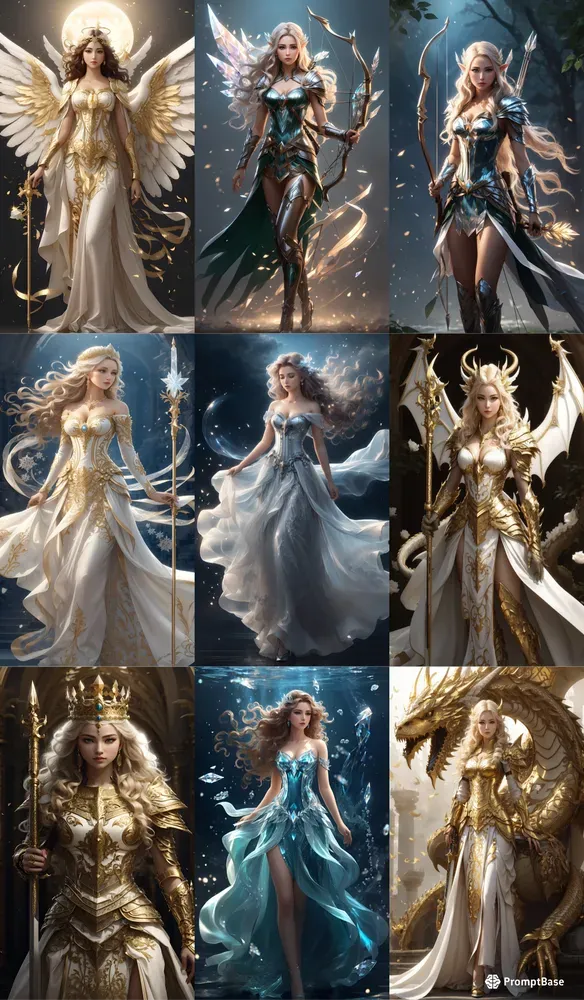
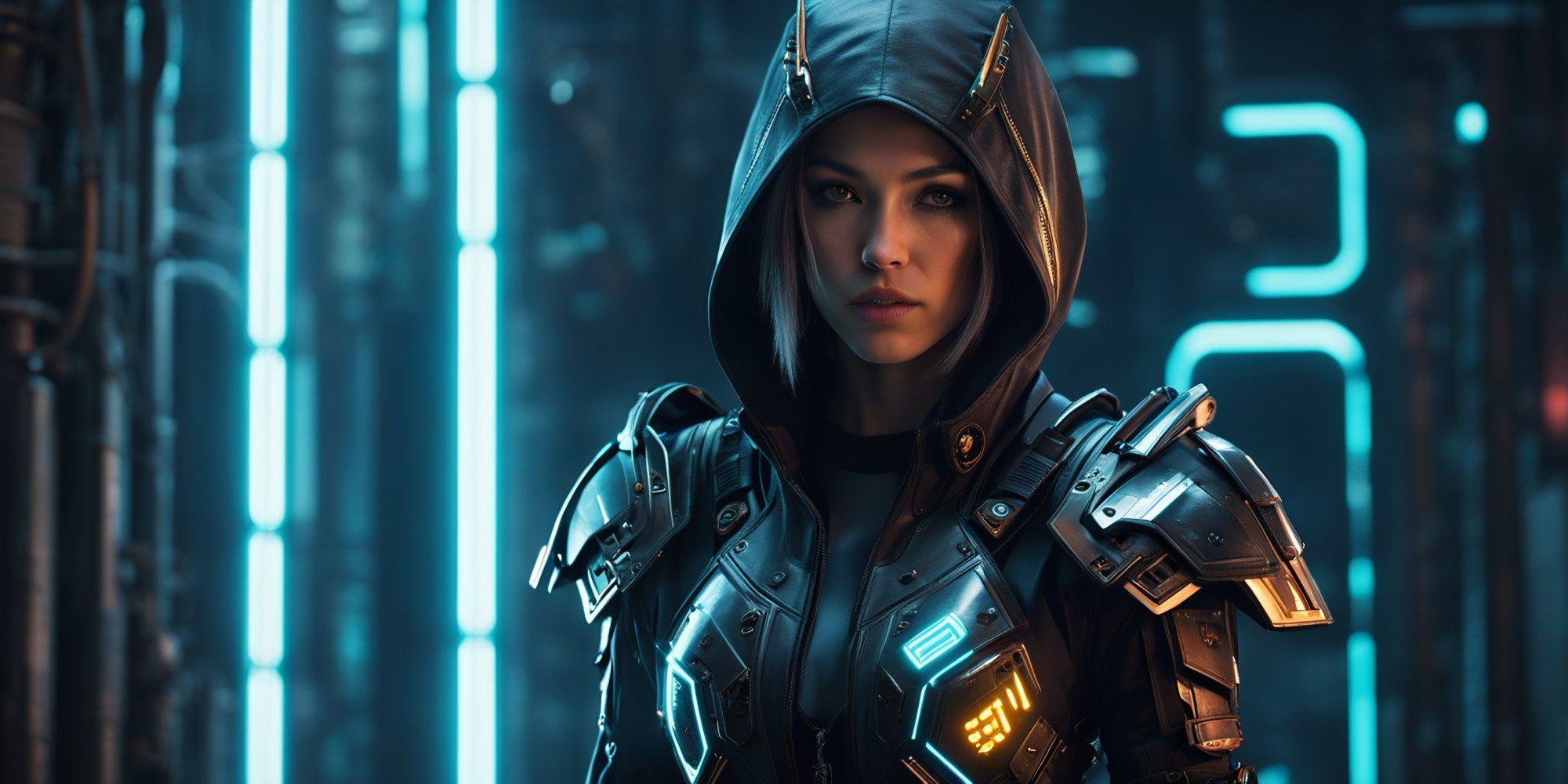
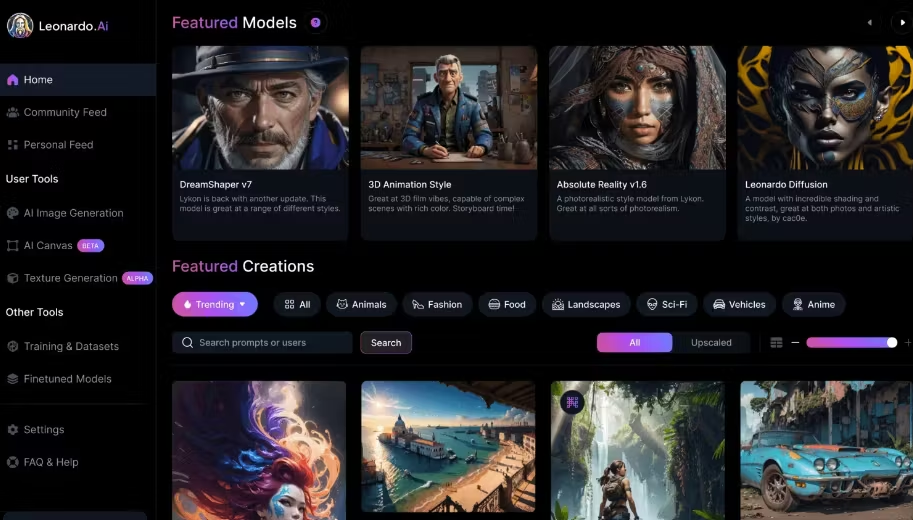
Leonardo AI is great for:
- Game character design
- Fantasy artwork
- Concept art
- Creative storytelling visuals
It offers daily free credits for new users.
Step-by-Step: How to Create AI Images for Free
Step 1: Choose Your Platform
Select one of the tools mentioned above. If you need professional blog images, DALL·E is excellent. If you want quick social media designs, Canva is ideal.
Step 2: Write a Clear Prompt
Your prompt determines the quality of your image.
Instead of writing:
“dog”
Write:
“A golden retriever puppy sitting in a green park during sunset, soft lighting, high resolution, realistic photography”
The more details you provide, the better your results.
Step 3: Add Style and Quality Instructions
You can improve output by adding:
- Lighting: soft lighting, cinematic lighting
- Style: watercolor, 3D render, cartoon style
- Quality: ultra HD, 4K, high detail
- Camera angle: close-up shot, wide-angle view
Example prompt:
“A young entrepreneur working on a laptop in a cozy home office, warm sunlight, modern interior, 4K, realistic photography”
Step 4: Generate and Refine
After generating:
- Adjust the prompt if needed
- Regenerate variations
- Download the best result
Most platforms allow multiple versions from one prompt.
Real-Life Use Case Examples
1. Blog Featured Image
If you’re writing about “AI Tools for Small Business Growth,” you can generate:
“Small business owner using laptop with digital AI icons floating around, modern office, professional lighting”
This creates a unique image without copyright issues.
2. YouTube Thumbnail
Prompt example:
“Excited young man pointing at glowing AI text on screen, bright colors, high contrast, YouTube thumbnail style”
3. Social Media Marketing Post
Prompt:
“Minimalist Instagram post design about digital marketing tips, blue and white theme, modern typography”
Tips to Get Better AI Images
Here are professional tips to improve your results:
- Be specific and descriptive
- Mention colors clearly
- Define background and environment
- Specify mood (dramatic, cheerful, professional)
- Use keywords like “realistic,” “studio lighting,” “high resolution”
If the result is not perfect, refine the prompt instead of starting from scratch.
Are AI Images Copyright-Free?
Most AI platforms allow commercial usage, but always:
- Check platform terms
- Avoid generating copyrighted characters
- Avoid using real celebrity likeness without permission
For blog and marketing purposes, AI-generated images are generally safe when created properly.
Advantages of Using AI Image Generators
- Saves money on stock images
- No design skills required
- Instant image creation
- Unlimited creativity
- Custom-made visuals
For website owners and digital creators, this is a game-changer.
Final Thoughts
Creating images using AI for free is no longer a futuristic idea — it’s a practical tool available to everyone. Whether you are a blogger, freelancer, student, or business owner, AI image generators help you produce high-quality visuals quickly and affordably.
Start with a simple prompt, experiment with styles, refine your descriptions, and within minutes, you’ll have professional-grade images ready for your website or social media.
If you consistently practice writing better prompts, your AI-generated images will look more realistic, creative, and impactful over time.
Now it’s your turn — open a free AI tool and create your first image today.

Leave a Reply