Introduction
Have you ever thought about sharing your ideas, building an online business, or creating a website that people can visit from anywhere in the world? A WordPress blog is one of the easiest ways to make that happen. Whether you want to write about technology, travel, fitness, cooking, education, or your personal experiences, WordPress gives you all the tools you need to get started.
The best part is that you do not need to be a web developer or have coding skills. With the right guidance, anyone can create a professional blog in just a few hours. In this complete guide, you will learn every important step, from choosing a niche to publishing your first article.
Why Choose WordPress?
WordPress is the most popular blogging platform because it is easy to use and offers unlimited flexibility. Millions of websites, from personal blogs to large business websites, are built using WordPress.
Here are a few reasons why beginners and professionals choose WordPress:
- Easy to install and manage
- Thousands of free and premium themes
- Large collection of useful plugins
- Search engine friendly structure
- Mobile responsive designs
- Regular security updates
- Complete control over your website
If you are serious about blogging, WordPress is an excellent long term choice.
Step 1. Decide What You Want to Blog About
Every successful blog starts with a clear topic. Before buying a domain name or hosting, spend some time thinking about what you enjoy writing about.
Choose a subject that matches your interests, skills, or professional experience. Writing about something you enjoy makes it much easier to stay motivated and publish content regularly.
Popular Blogging Niches
- Technology
- WordPress
- Digital Marketing
- Artificial Intelligence
- Travel
- Health
- Fitness
- Finance
- Food
- Education
- Lifestyle
- Online Business
Try to choose a niche that has a good balance between your passion and what people are searching for online.
Example
If you enjoy solving computer problems, you can create a technology blog that teaches people how to fix Windows errors, improve website speed, or choose the best software.
Planning your blog niche before creating your website.
Step 2. Choose the Right Domain Name
A domain name is your website’s online address. It is what visitors type into their browser to reach your website.
Example:
www.yourblogname.com
A good domain name should be:
- Short
- Easy to remember
- Easy to pronounce
- Related to your topic
- Simple to spell
Avoid using numbers, hyphens, or confusing words because they make your website harder to remember.
Spend some time brainstorming ideas before registering your domain. A strong domain name helps build your brand for years to come.
Step 3. Buy Reliable Web Hosting
Web hosting is where your website files are stored. Without hosting, your website cannot be accessed by visitors.
Choosing the right hosting provider is one of the most important decisions you will make because it affects your website’s speed, security, and overall performance.
Look for hosting that includes:
- Fast servers
- Free SSL certificate
- Daily backups
- One click WordPress installation
- Helpful customer support
- High uptime
Do not choose hosting based only on price. A slightly better hosting plan can save you many problems in the future.
Reliable web hosting improves website speed, security, and uptime.
Step 4. Install WordPress
After purchasing hosting, the next step is installing WordPress.
Most hosting providers offer a simple installation tool that takes only a few minutes. You simply select your domain name, create an administrator account, and click the install button.
Once the installation is complete, you can log into your dashboard by visiting:
yourdomain.com/wp-admin
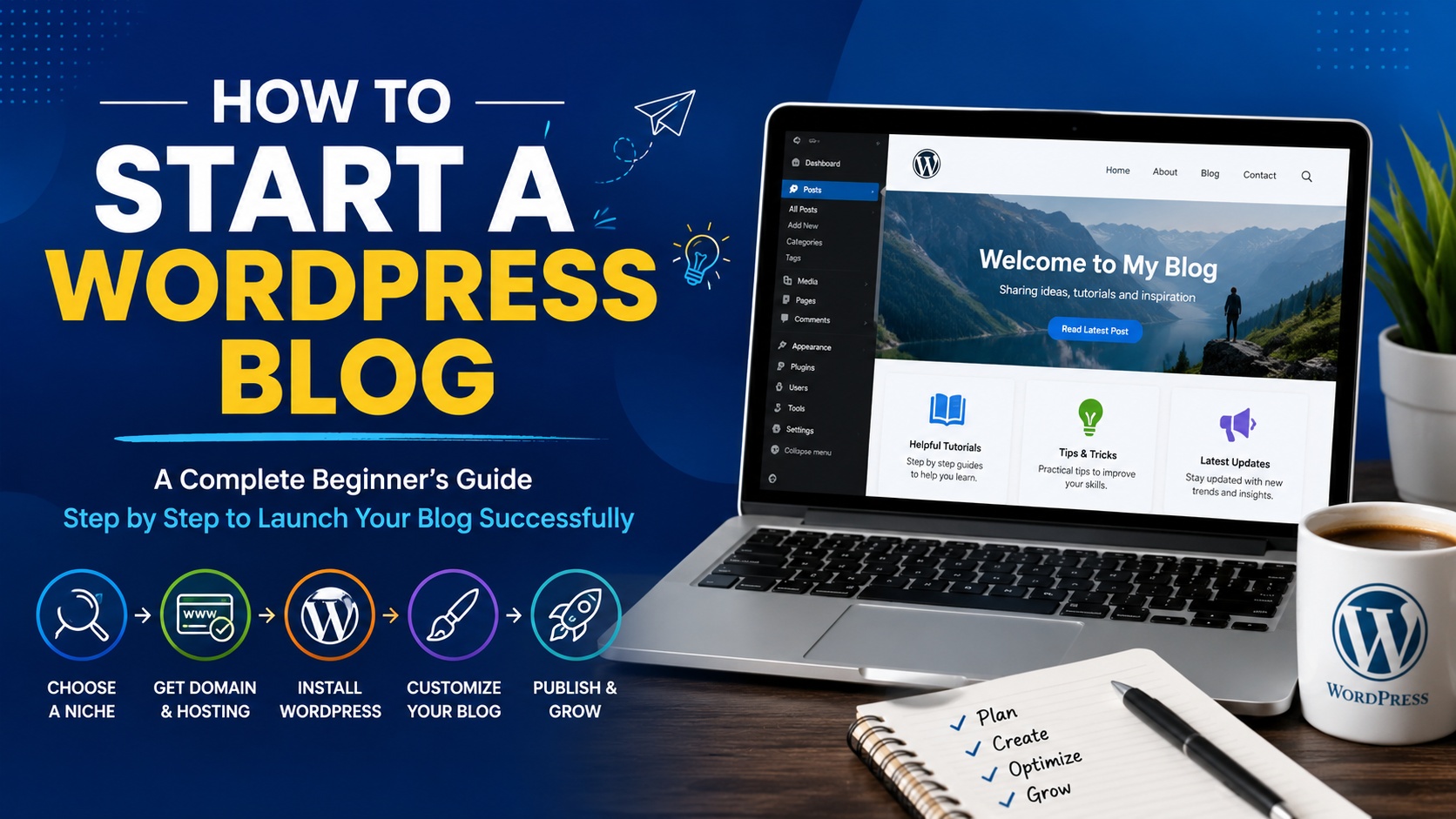
The WordPress dashboard is where you will create pages, write blog posts, upload images, install plugins, and customize your website.
Spend a little time exploring the dashboard so you become familiar with its features.
The WordPress dashboard gives you complete control over your website.
Step 5. Pick a Professional Theme
Your WordPress theme controls how your website looks and feels. It is the first thing visitors notice when they land on your blog, so choosing the right one is very important.
Select a theme that is clean, fast, and easy to navigate. A simple design helps readers focus on your content instead of being distracted by unnecessary elements. Your blog should also look great on desktops, tablets, and smartphones.
When choosing a theme, look for the following features:
- Mobile friendly design
- Fast loading speed
- Easy customization options
- SEO friendly coding
- Regular updates
- Compatibility with popular plugins
Many beginners spend too much time searching for the perfect theme. Remember that your content is far more important than fancy design. A clean and professional layout creates a better reading experience and often performs better in search engines.
A clean and responsive WordPress theme improves user experience and website performance.
Step 6. Install Essential Plugins
Plugins add new features to your WordPress website without requiring coding knowledge. They allow you to improve security, optimize speed, create backups, and enhance your website in just a few clicks.
Although there are thousands of plugins available, installing too many can slow down your website. Only install plugins that provide real value.
Every beginner should consider installing these essential plugins:
- SEO plugin to improve search engine visibility
- Cache plugin to increase website speed
- Security plugin to protect your website
- Backup plugin to create automatic backups
- Contact form plugin for visitor inquiries
- Image optimization plugin for faster loading
Keep all plugins updated to improve security and maintain compatibility with the latest version of WordPress.
Installing only the plugins you need keeps your website fast and secure.
Step 7. Create Important Website Pages
Before publishing blog posts, create the pages that every professional website should have. These pages help visitors learn more about you and build trust with your audience.
The most important pages include:
- Home
- About Us
- Contact
- Privacy Policy
- Disclaimer
- Terms and Conditions
If you plan to monetize your website with advertising or affiliate marketing, these pages become even more important because many advertising platforms require them.
Take time to write clear and honest information about your website. A well written About Us page helps readers connect with you and understand your expertise.
Step 8. Write Your First Blog Post
Now it is time to publish your first article. Do not worry about making it perfect. Every successful blogger started with their very first post.
Focus on solving a problem or answering a question your audience is searching for online. Helpful content builds trust and encourages visitors to return to your website.
A well structured blog post should include:
- A clear and engaging title
- An interesting introduction
- Organized headings and subheadings
- Useful and accurate information
- Relevant images or screenshots
- A conclusion with key takeaways
Write naturally and explain concepts in simple language. Imagine you are helping a friend understand the topic.
Publishing consistently is more important than trying to write the perfect article every time.
Your first article is the beginning of your blogging journey.
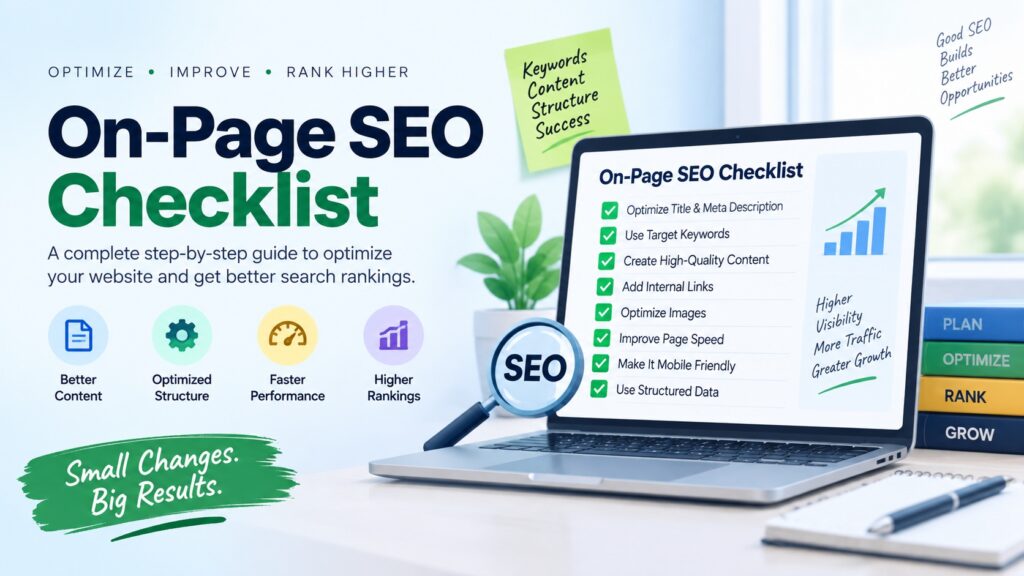
Step 9. Optimize Your Blog for Search Engines
Search engine optimization, commonly known as SEO, helps your blog appear in search results when people look for information related to your content.
Good SEO is not about stuffing keywords into every paragraph. It is about creating useful content that answers readers’ questions while making it easy for search engines to understand your website.
Follow these basic SEO practices:
- Use your main keyword naturally throughout the article
- Write descriptive page titles
- Create compelling meta descriptions
- Add descriptive alt text to every image
- Link to related articles on your website
- Improve page loading speed
- Use short and readable URLs
- Publish original and helpful content regularly
SEO is a long term strategy. You may not see results immediately, but consistent effort can help your website attract organic traffic for years.
Good SEO helps your blog reach more readers through search engines.
Step 10. Publish Helpful Content Regularly
A successful blog grows because it provides valuable content on a regular basis. Publishing one or two articles and then stopping will make it difficult to build an audience or improve your search engine rankings.
Create a realistic publishing schedule that fits your routine. It is better to publish one high quality article every week than several rushed articles that offer little value.
For example, you could follow a simple weekly schedule like this:
- Monday: WordPress Tutorial
- Wednesday: SEO Tips
- Friday: Website Optimization Guide
As your blog grows, you can create a content calendar to organize future topics and maintain consistency. Regular publishing shows both readers and search engines that your website is active.
Publishing quality content consistently helps your blog grow over time.
Step 11. Promote Your Blog
Creating great content is only one part of blogging. You also need to promote your articles so that more people can discover your website.
Share your blog posts across different platforms where your audience spends time. This helps increase traffic, build your brand, and attract new readers.
Some effective promotion methods include:
- Facebook
- LinkedIn
- Pinterest
- X
- Email newsletters
- Online communities and forums
You can also connect with other bloggers, leave thoughtful comments on related websites, and participate in discussions within your niche. Building relationships with other creators can help your blog reach a wider audience.
Promoting your content helps attract more readers and increase website traffic.
Step 12. Keep Learning and Improving
Blogging is not something you learn in a single day. Every article you publish teaches you something new about writing, SEO, website design, and your audience.
Take time to review your older content and update it with fresh information whenever necessary. Improving existing articles can often bring more traffic than constantly creating new ones.
Pay attention to your website analytics to understand which topics your visitors enjoy the most. Use that information to create even better content in the future.
The bloggers who succeed are the ones who continue learning, testing new ideas, and improving their websites over time.
Continuous learning is one of the keys to long term blogging success.
Common Mistakes Beginners Should Avoid
Many new bloggers face similar challenges during their first few months. Knowing these common mistakes can help you avoid unnecessary problems.
- Choosing low quality web hosting
- Ignoring website security
- Publishing copied or low quality content
- Installing too many plugins
- Uploading large unoptimized images
- Not creating regular backups
- Skipping keyword research
- Expecting instant results
- Giving up too early
Blogging takes patience. Focus on continuous improvement instead of quick success.
Frequently Asked Questions
Is WordPress free?
Yes. WordPress software is free to use. However, you will need a domain name and web hosting to publish your website on the internet.
Can I start blogging without coding knowledge?
Absolutely. WordPress is designed for beginners and allows you to create and manage a professional website without writing code.
How much does it cost to start a WordPress blog?
The total cost depends on your hosting provider, domain name, and whether you use free or premium themes and plugins. Many beginners start with an affordable hosting plan and upgrade as their website grows.
How long does it take to build a WordPress blog?
Most people can install WordPress and launch a basic blog within one or two hours. Building a successful blog that attracts regular visitors takes consistent effort over time.
Can I earn money from blogging?
Yes. Many bloggers earn income through display advertising, affiliate marketing, sponsored articles, digital products, online courses, and freelance services. The more valuable content you publish, the greater your earning opportunities can become.
Final Thoughts
Starting a WordPress blog is one of the best ways to share your knowledge, build your personal brand, or create an online business. Thanks to WordPress, anyone can build a professional website without technical experience.
Focus on choosing the right niche, publishing helpful content, learning basic SEO, and improving your website over time. Every successful blog started with a single article, and your first post could be the beginning of an exciting journey.
Remember that blogging is a long term investment. Stay consistent, continue learning, and always create content that genuinely helps your readers. If you remain committed, your WordPress blog can become a valuable resource and a rewarding online asset.











Powerful insight—success really does start with clarity. Anyone wanting deeper guidance can explore more at bestattorneyfor.com.