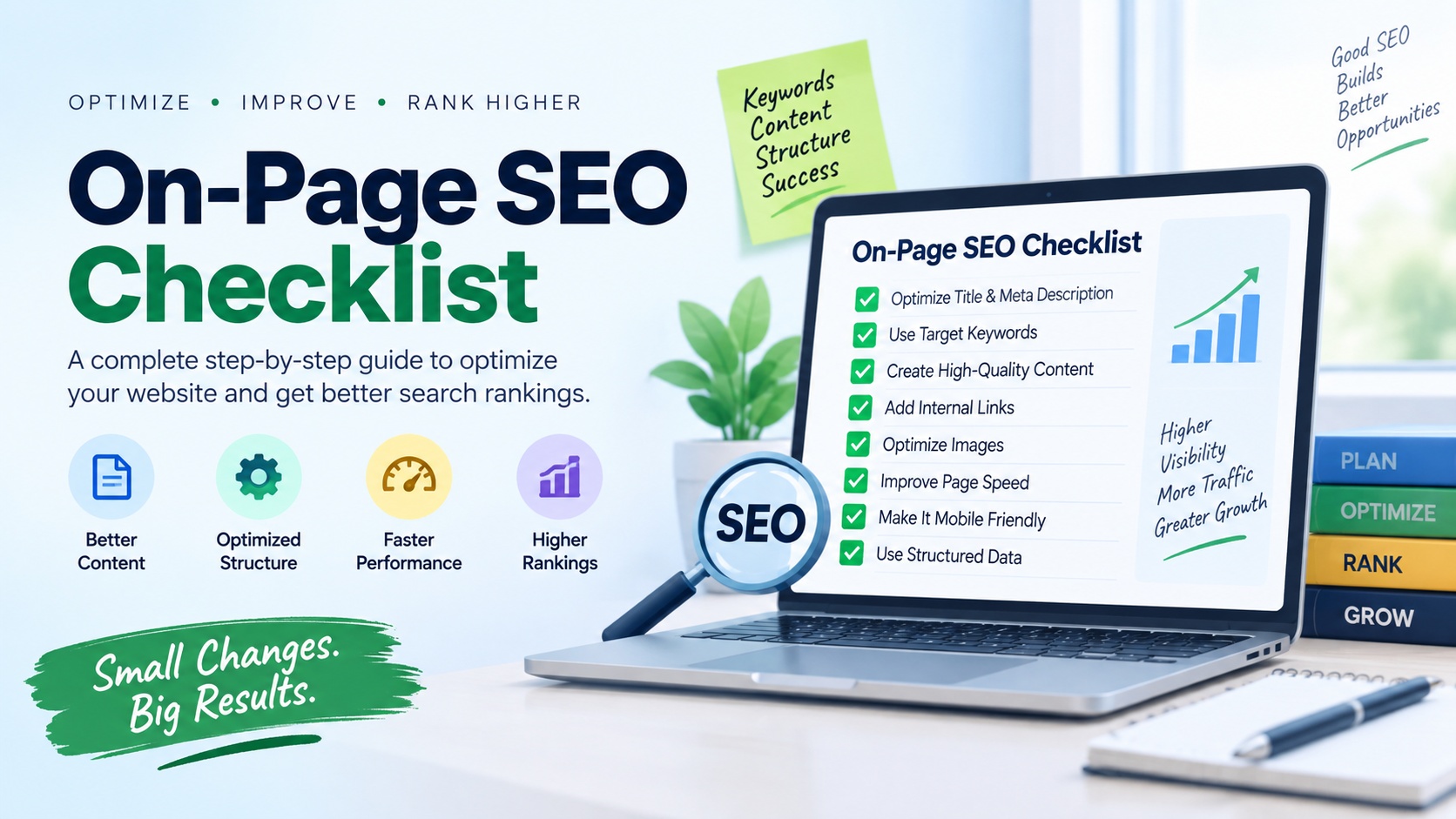
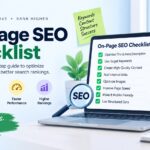
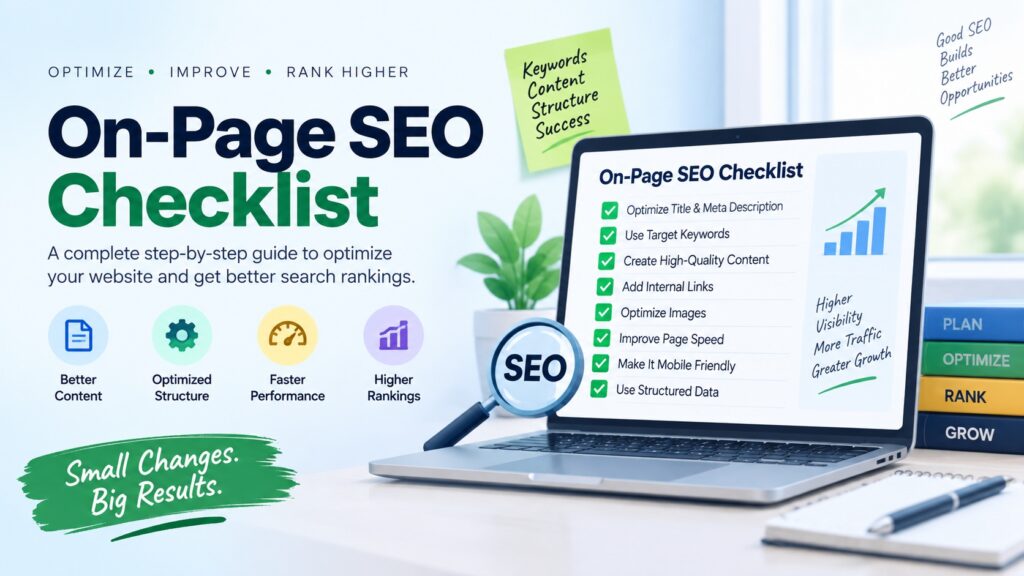
On-page SEO is one of the most important parts of improving your website’s visibility in search engines.
Even if you publish excellent content, your pages may struggle to rank if they are not properly optimized.
This complete on-page SEO checklist will help you improve your content, structure, user experience, and search visibility step by step.
What Is On-Page SEO?
On-page SEO refers to the optimization techniques you apply directly to individual pages of your website.
These optimizations help search engines understand your content while making the page easier and more useful for visitors.
On-page SEO includes keyword optimization, title tags, meta descriptions, headings, URLs, internal linking,
image optimization, page speed, mobile usability, content quality, and several other factors.
Unlike off-page SEO, which mainly focuses on backlinks and external signals, on-page SEO is largely under your control.
That makes it one of the best places to start when improving your website.
Complete On-Page SEO Checklist
1. Choose a Primary Keyword
Every important page should have a clear primary keyword or search topic. Your primary keyword should closely match
what users are actually searching for.
Before writing your content, identify the main phrase you want the page to target. You can also use related keywords,
synonyms, and supporting phrases naturally throughout the content.
Checklist:
- Select one main keyword for the page.
- Understand the search intent behind the keyword.
- Find closely related keywords and questions.
- Avoid targeting the same keyword with multiple similar pages.
2. Match Search Intent
Search intent describes what a user wants to accomplish when entering a query into a search engine.
A page that does not match search intent may struggle to rank even if it is technically well optimized.
For example, someone searching for “how to improve website speed” is likely looking for a tutorial,
while someone searching for “best web hosting” may be comparing different hosting providers.
Common search intent types include:
- Informational: The user wants to learn something.
- Navigational: The user wants to find a specific website or page.
- Commercial: The user is comparing products, tools, or services.
- Transactional: The user is ready to buy or take an action.
3. Optimize Your SEO Title
Your SEO title is one of the first elements users may notice in search results.
A strong title should clearly explain what the page is about while encouraging users to click.
SEO title best practices:
- Include the primary keyword naturally.
- Keep the title clear and relevant.
- Place important words closer to the beginning when appropriate.
- Avoid unnecessary keyword repetition.
- Make every important page title unique.
Example:
On-Page SEO Checklist: Complete Guide for Better Rankings
4. Write an Attractive Meta Description
A meta description gives users a short summary of your page. Although it is not something you should treat as a place
for keyword stuffing, a useful description can improve how appealing your search result looks.
Write a unique description that explains what users will find after clicking your page.
Meta description checklist:
- Describe the page accurately.
- Include the primary keyword naturally where useful.
- Add a clear benefit for the reader.
- Avoid duplicate descriptions across multiple pages.
- Keep the wording concise and persuasive.
5. Use a Short and Descriptive URL
Your URL should be simple enough for users and search engines to understand.
Avoid unnecessarily long URLs containing random numbers or unrelated words.
Good URL example:
example.com/on-page-seo-checklist/
Avoid URLs such as:
example.com/category/post?id=93847&ref=seo2026
Whenever possible, use readable words separated by hyphens.
6. Use One Clear H1 Heading
The main heading should clearly describe the subject of the page.
For most articles, the H1 is also closely related to the page title.
Include your main topic naturally, but avoid creating headings purely for search engines.
The heading should make immediate sense to readers.
7. Organize Content With H2 and H3 Headings
Proper heading structure improves readability and makes long articles easier to scan.
It also helps search engines understand the relationship between different sections of your content.
Use H2 headings for major sections and H3 headings for relevant subsections.
Example structure:
- H1: On-Page SEO Checklist
- H2: Keyword Optimization
- H3: Primary Keyword
- H3: Related Keywords
- H2: Technical On-Page SEO
- H3: Page Speed
8. Include Your Keyword Naturally
Your primary keyword should appear naturally in important areas of your content.
However, repeating the same keyword too often can make your writing sound unnatural.
Consider using your main keyword in appropriate locations such as:
- The page title.
- The H1 heading.
- The introduction.
- Relevant subheadings.
- The URL.
- Image alt text when appropriate.
- The main body content.
Always prioritize readability over keyword frequency.
9. Create Helpful and Original Content
High-quality content is the foundation of successful SEO.
Your page should provide useful information that directly addresses what the visitor wants to know.
Instead of simply rewriting information found elsewhere, add your own explanations, examples,
comparisons, tips, experience, data, or practical guidance.
Strong content should be:
- Original.
- Accurate.
- Easy to understand.
- Relevant to the search query.
- Well structured.
- Useful enough to answer the reader’s main questions.
10. Optimize the Introduction
The introduction should quickly explain what the page covers and why the information matters.
Avoid filling the opening paragraphs with unnecessary background information.
Readers should understand within the first few sentences whether your content can solve their problem.
11. Improve Content Readability
Even valuable information can perform poorly if visitors find the page difficult to read.
Make your content easy to scan on desktop and mobile devices.
Improve readability by using:
- Short paragraphs.
- Clear headings.
- Bullet points.
- Numbered steps.
- Simple language.
- Bold text for important points.
- Images and examples where useful.
12. Add Internal Links
Internal links connect one page of your website to another.
They help visitors discover related content and can make it easier for search engines to understand your website structure.
For example, an article about SEO could link to related guides about keyword research,
technical SEO, blogging, or website optimization.
Internal linking tips:
- Link only to genuinely relevant pages.
- Use descriptive anchor text.
- Avoid repeatedly using exactly the same anchor text unnecessarily.
- Update older articles with links to newer useful content.
13. Add Relevant External Links
External links can provide additional context and support important claims.
When mentioning research, statistics, technical documentation, or official information,
linking to a trustworthy original source can improve the usefulness of your page.
Avoid linking to low-quality websites simply to increase the number of outbound links.
14. Optimize Your Images
Images can improve engagement, explain difficult concepts, and make your pages more attractive.
However, large or poorly optimized images can slow down your website.
Image SEO checklist:
- Compress images before uploading them.
- Use suitable modern image formats when supported.
- Give image files descriptive names.
- Add meaningful alt text.
- Choose appropriate image dimensions.
- Avoid uploading unnecessarily large files.
- Use lazy loading where appropriate.
15. Write Useful Image Alt Text
Alternative text describes the purpose or content of an image.
It is especially important for accessibility and can also help search engines understand visual content.
Describe the image naturally rather than stuffing keywords into the alt attribute.
Example:
alt="On-page SEO checklist displayed on a laptop screen"
16. Improve Page Loading Speed
Website performance affects user experience.
Visitors may leave a page if it takes too long to become usable.
Ways to improve page speed include:
- Compressing images.
- Using reliable hosting.
- Reducing unnecessary JavaScript.
- Minifying CSS and JavaScript where appropriate.
- Using caching.
- Using a content delivery network when useful.
- Removing unused themes and plugins.
17. Make Your Website Mobile Friendly
A large percentage of users access websites through smartphones.
Your content should therefore work properly across different screen sizes.
Check that:
- Text is readable without zooming.
- Buttons and links are easy to tap.
- Images resize correctly.
- Menus work properly on mobile devices.
- There is no unnecessary horizontal scrolling.
18. Improve Core Web Vitals
Core Web Vitals measure important parts of the real-world page experience.
They focus on loading performance, visual stability, and responsiveness.
Improving these areas can make your website more pleasant to use and may also support your broader SEO efforts.
Focus on:
- Fast display of important content.
- Responsive user interactions.
- Preventing unexpected layout shifts.
19. Use HTTPS
Your website should use HTTPS to provide a secure connection between the visitor and your server.
An SSL certificate is now considered a basic requirement for modern websites.
Make sure all important pages load through HTTPS and that HTTP versions correctly redirect to HTTPS.
20. Check Canonical URLs
A canonical tag can tell search engines which version of a similar or duplicated page you consider the primary version.
Incorrect canonical implementation can create indexing problems, so verify that important pages point to the correct canonical URL.
21. Check Whether the Page Can Be Indexed
Before trying to improve rankings, make sure search engines are allowed to access and index the page.
Accidentally adding a noindex directive to an important page can prevent it from appearing in search results.
Check:
- Meta robots directives.
- Robots.txt rules.
- Canonical tags.
- Website privacy or visibility settings.
22. Add Structured Data When Relevant
Structured data provides additional information about your content in a format that search engines can understand.
Depending on your website, relevant structured data may include:
- Article markup.
- Product markup.
- Breadcrumb markup.
- Organization information.
- Local business information.
- Recipe markup.
Only use structured data that accurately represents the visible content on your page.
23. Add Breadcrumb Navigation
Breadcrumbs show users where a page sits within your website structure.
They can improve navigation, especially on websites with many categories and subcategories.
Example:
Home > SEO > On-Page SEO Checklist
24. Fix Broken Links
Broken links can create a poor user experience and prevent visitors from reaching useful content.
Periodically check your website for internal and external links that return errors.
Replace broken links with updated resources, redirect relevant old pages, or remove links that are no longer useful.
25. Optimize for Featured Answers
Some search queries may display short answers, lists, tables, or definitions prominently within the search results.
Structuring your content clearly can make it easier for search engines to understand your answer.
Consider including concise definitions, step-by-step instructions, bullet lists, and comparison tables where they genuinely help readers.
26. Add Frequently Asked Questions
An FAQ section can answer additional questions that visitors may have after reading your main content.
It is also a useful way to cover related search topics naturally.
On-Page SEO Checklist Summary
- Choose one clear primary keyword.
- Understand the user’s search intent.
- Create a unique and attractive SEO title.
- Write a helpful meta description.
- Use a clean and readable URL.
- Add a clear H1 heading.
- Organize sections with H2 and H3 headings.
- Use keywords naturally.
- Publish original and useful content.
- Add relevant internal links.
- Use trustworthy external references where needed.
- Optimize images and alt text.
- Improve website speed.
- Make the page mobile friendly.
- Review Core Web Vitals.
- Use HTTPS.
- Check canonical tags.
- Verify that the page is indexable.
- Add appropriate structured data.
- Use breadcrumbs where helpful.
- Fix broken links.
- Improve readability and user experience.
- Keep important content updated.
Frequently Asked Questions About On-Page SEO
What is the most important part of on-page SEO?
There is no single element that guarantees rankings. Strong on-page SEO combines useful content,
relevant search intent, clear page structure, good internal linking, technical accessibility, and a positive user experience.
How many keywords should I use on one page?
Instead of focusing on a specific keyword count, choose one main topic and naturally include related terms that help explain it.
Avoid repeating keywords purely to increase their frequency.
How often should I update my SEO content?
Update content whenever information becomes outdated, links stop working, recommendations change,
or you discover useful information that can make the page more complete.
Does every page need a meta description?
It is generally useful to create a unique meta description for important pages.
A strong description gives users a clear reason to visit the page.
Is internal linking important for SEO?
Yes. Internal links help users navigate your website and help search engines understand relationships between your pages.
They can also help important pages receive more visibility within your website structure.
Can on-page SEO improve rankings without backlinks?
On-page optimization can significantly improve a page’s ability to compete in search results,
particularly for relevant or less competitive topics. However, competitive rankings may also depend on factors such as
website authority, reputation, backlinks, content quality, and competition.
Final Thoughts
On-page SEO is not about placing keywords everywhere on a page. It is about creating content that is useful,
understandable, accessible, technically sound, and closely aligned with what users are searching for.
Use this on-page SEO checklist whenever you publish or update an important article.
By consistently improving your titles, content, internal links, images, page speed, mobile usability,
and technical settings, you can build a stronger foundation for long-term organic search growth.